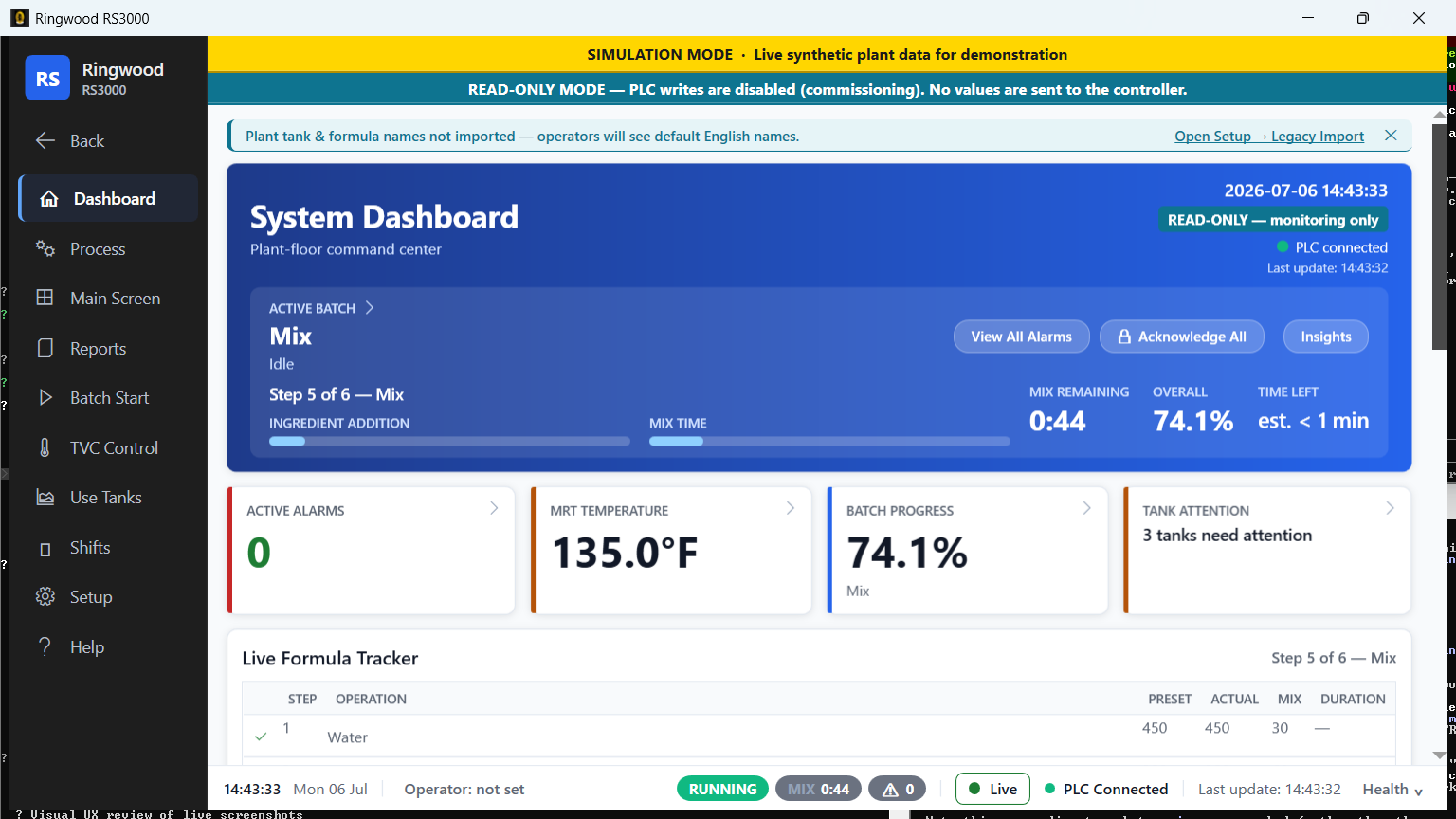
See the whole plant at a glance
One live screen carries the running batch, every tank, active alarms, and overall plant health — instead of the dozens of screens crews click between today.
Shown: the Ring dashboard.
If your starch kitchen runs on software that’s getting harder to staff and patch every year, that is the real risk — not how it behaves today. Ring does the same job — cooking and dosing starch adhesive against your recipe, on your existing controller — on a modern, supportable platform: installed alongside what you already have, proven read-only first, with your current system staying installed as a rollback the whole way through. You are never asked to bet the plant on switchover day.
Ring replaces the operator software only — your controller, your recipes, your tanks, and your wiring stay exactly as they are. Here is what changes for the people running the plant.
One live screen carries the running batch, every tank, active alarms, and overall plant health — instead of the dozens of screens crews click between today.
Shown: the Ring dashboard.
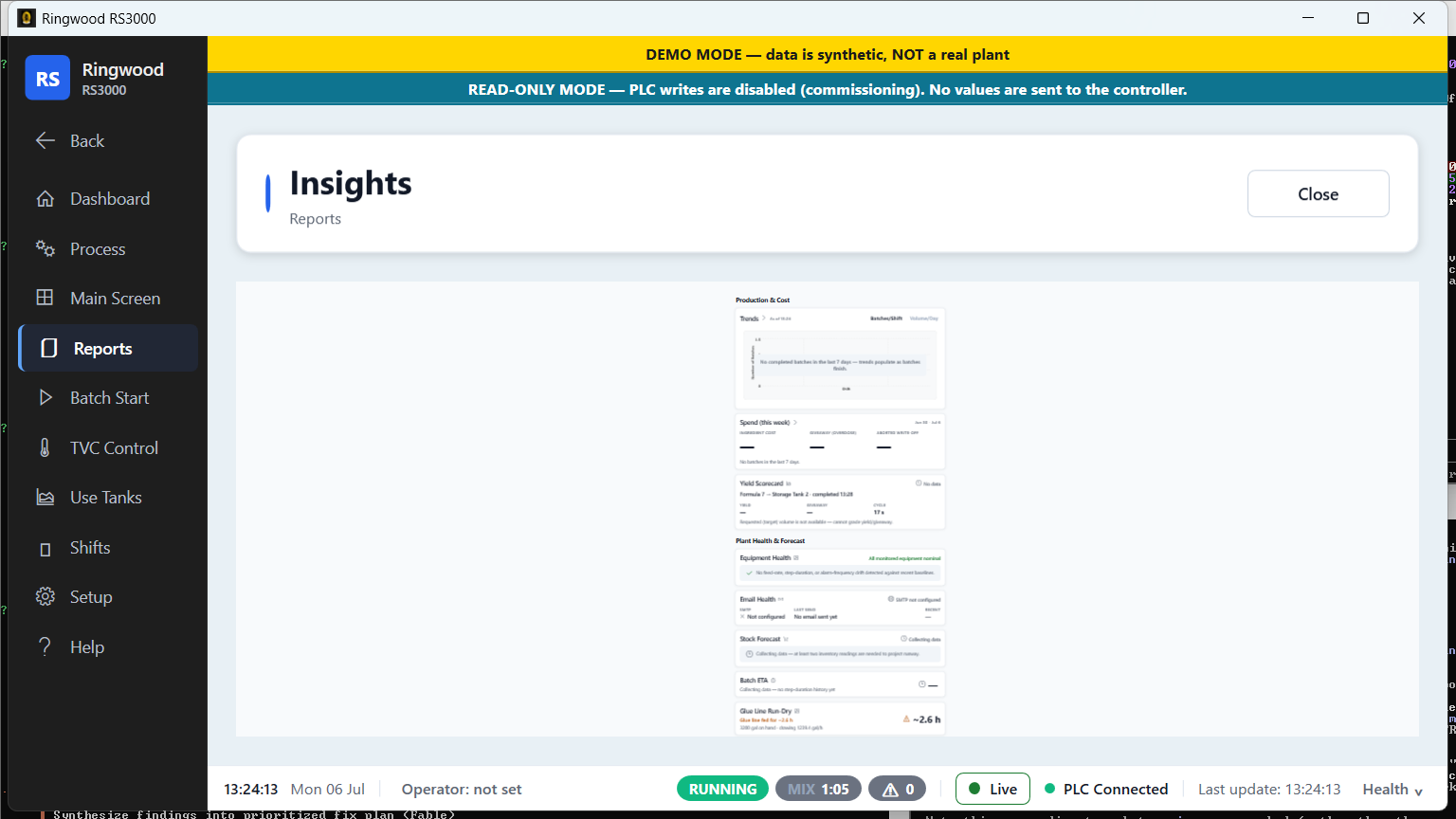
Cost per batch and per week, the glue given away by over-dosing, downtime priced in real terms, and a running forecast of raw material on hand.
Shown: the Ring insights report.
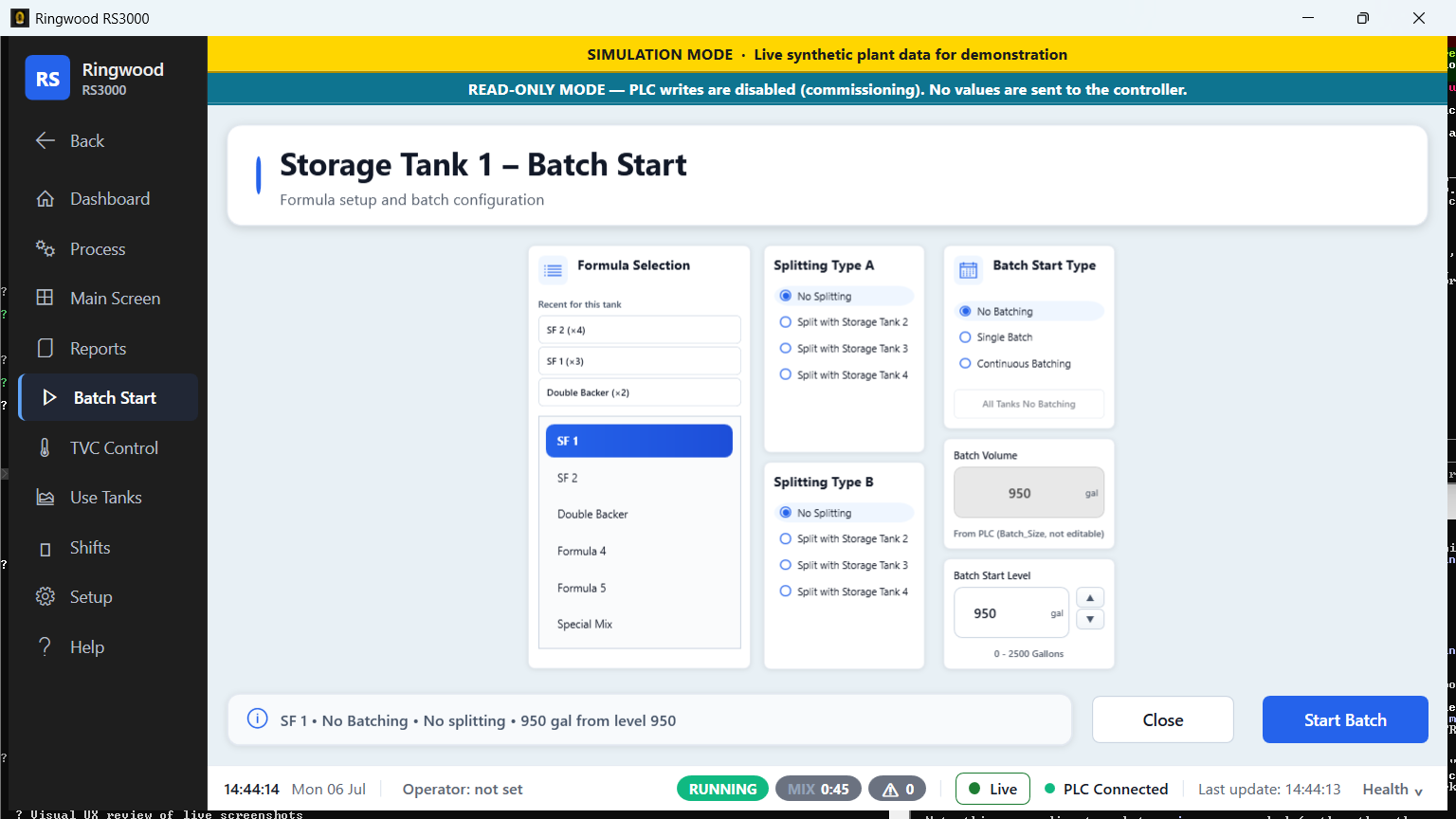
Pick the named recipe, read one plain sentence of exactly what will be sent, and confirm — checked before anything reaches the controller.
Shown: guided batch start.
Every alarm shows the controller’s own wording, plus the first thing to check, tied to the batch it hit — instead of a numbered code with no guidance.
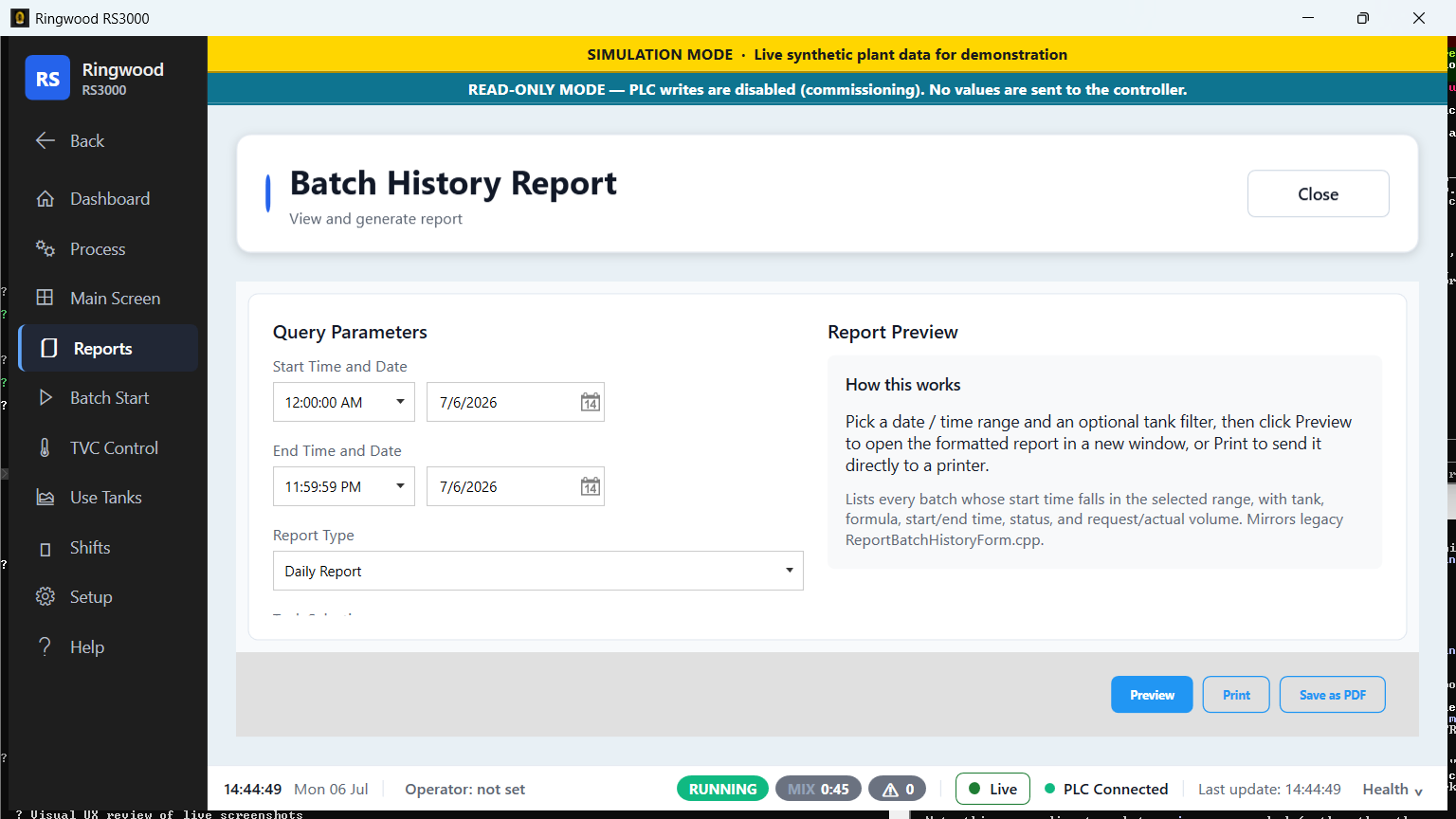
Every batch, alarm, and shift is recorded, searchable, and kept permanently. Pull up any run and export it to Excel in one click.
Shown: the batch history report.
The outgoing crew leaves a written end-of-shift note; the next crew starts fully informed instead of relying on what got said in passing.
13 languages, switchable live while the plant runs. Core operator screens are translated today; full coverage of every screen is in progress.
An open, standard database and mainstream, widely supported software — so the system you install today can still be kept running and extended twenty years from now.
Ring installs alongside what you already have. Nothing is ripped out, and nothing is switched on until you say so.
No application server, no separate database server, and no cloud tenancy to provision.
Everything lives in one standard database file on-site — nothing is transmitted off-site as part of normal operation.
Your controller, over standard EtherNet/IP — the same open protocol your own team can inspect.
The write-enable gate — your controls engineer signs off before this stage begins.
Each stage is reversible into the one before it.
This is not a policy promise — it is how the software is built. Before Ring is ever allowed to write to your controller, independent checks have to agree, and every one of them fails closed, not open.
Ring can watch, record, and report on everything the plant does before it is ever allowed to change anything. If that setting is ever missing or unreadable, Ring treats the plant as read-only rather than guessing.
Between any operator action and your controller, six separate checks all have to agree. Any one of them can refuse a write, and none of them can be talked past — two stay locked shut until your own controls engineer decides how they should behave.
Operator actions are written to a permanent record, so a question like “what happened Tuesday at 2am” has an answer instead of a shrug.
Every claim on this page is documented in the same manuals your team will use after install — not a glossy brochure, the actual books.
Browse every book — operator, installer, and engineering — online or as a PDF.
Open the documentation →The day-to-day reference: running batches, every screen explained, alarms, formulas, and reports.
Read the Operator Manual →Step-by-step: what to bring, putting Ring on the plant PC, first-start setup, and checking your work.
Read the Installation Guide →Most of what you’ve seen on this page is live today. Anything that isn’t is labeled, and write-enabled cutover on our own plant is planned for September 2026 — a real-world date you can ask us about.