The software, screen by screen

Every screen of the RS3000 command center.

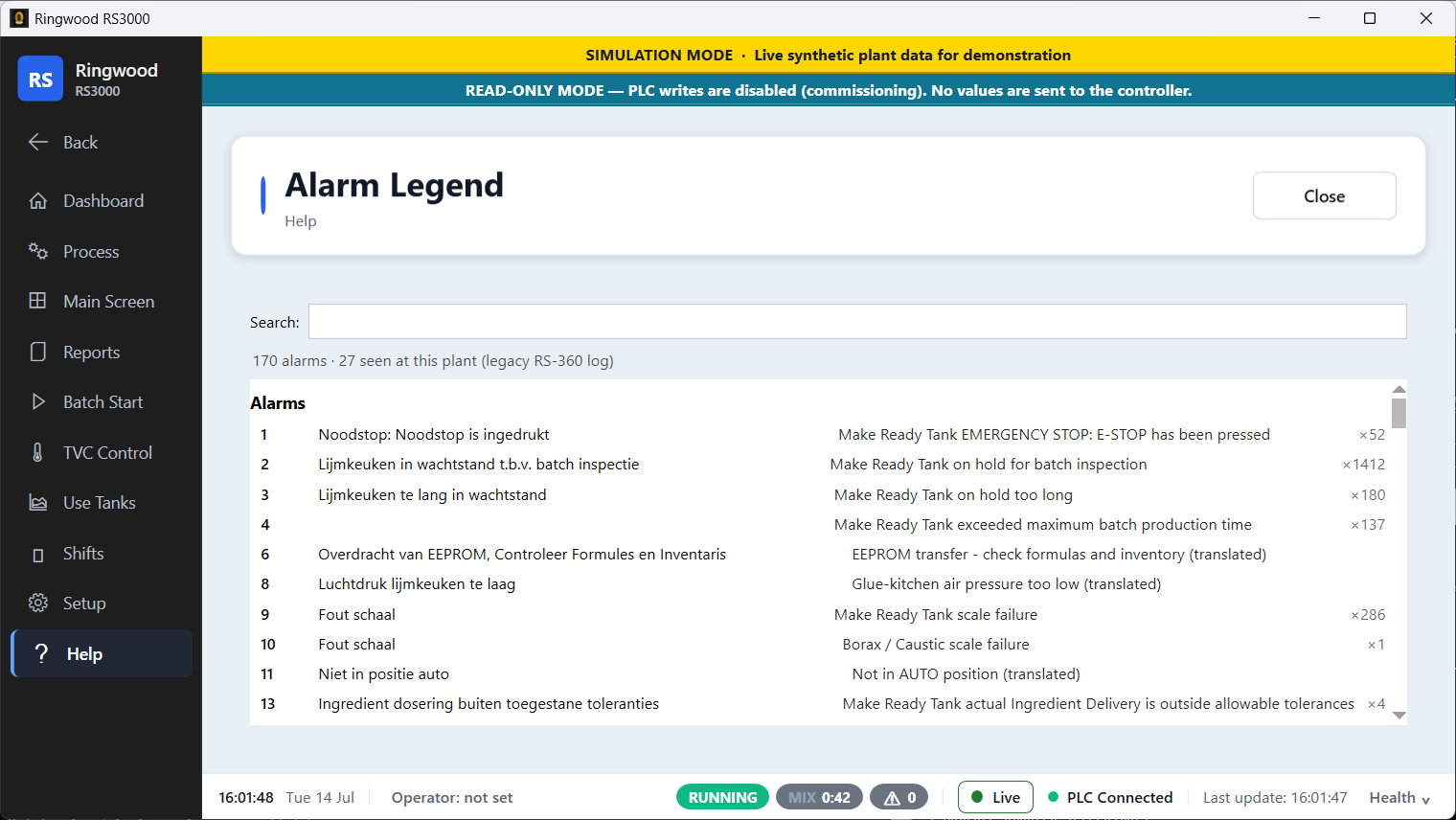
A full walkthrough of the live application — the dashboard, the plant floor, batch and temperature control, the reporting suite, and every setup screen. 41 screens, captured straight from the running software.

Shown in the app’s built-in Simulation Mode with synthetic live plant data — not a real plant.
Command center Plant floor — live tanks Batch & temperature control Shift management Reports & analytics Setup & configuration Help & onboarding
Command center · 2

Command center

One glance tells the operator whether the plant is healthy — green is normal, red needs attention.
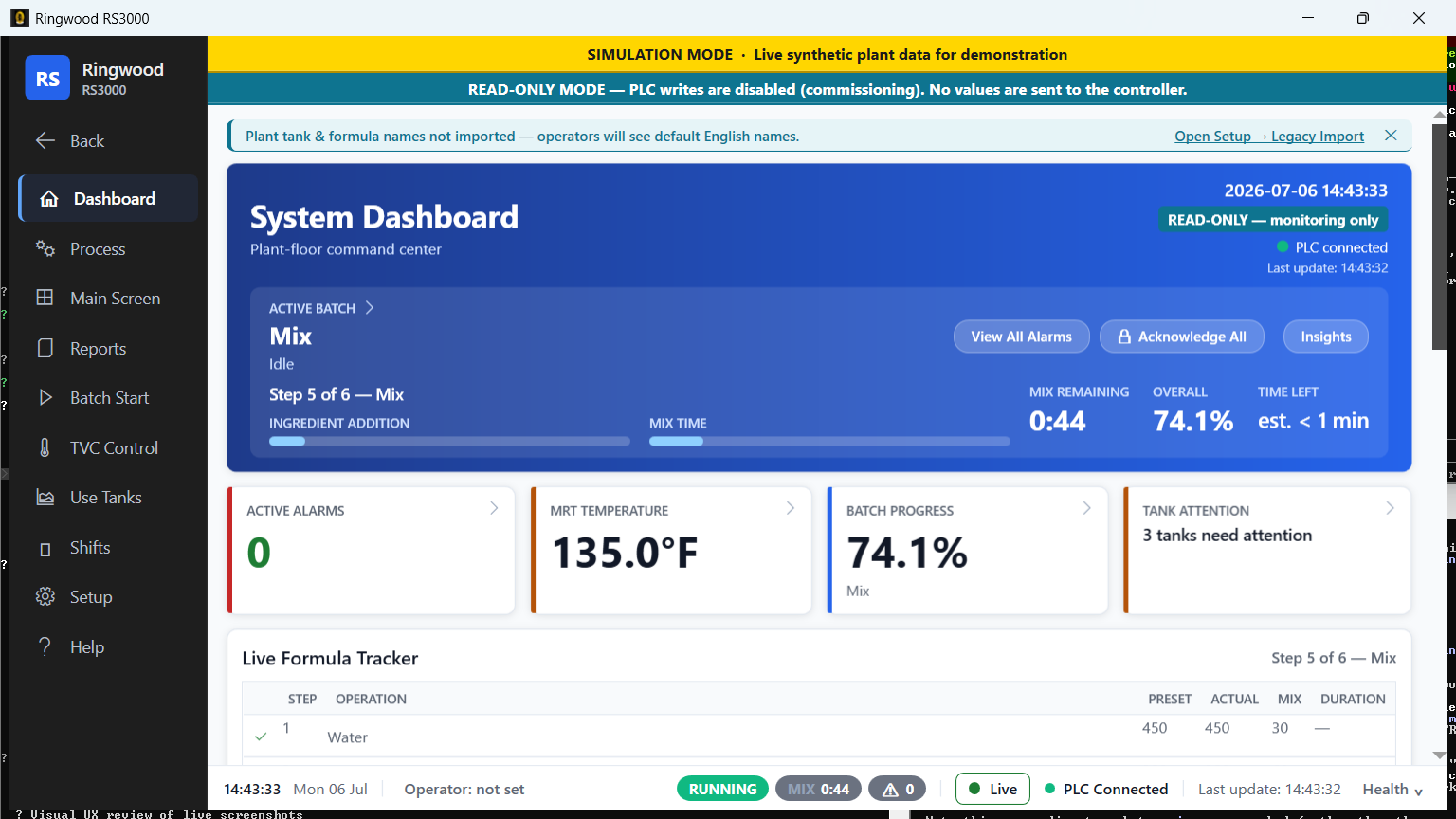
System dashboard — Ring RS3000 screen
System dashboardThe plant-floor command center: active batch, live KPIs, alarms and every tank on a single screen.
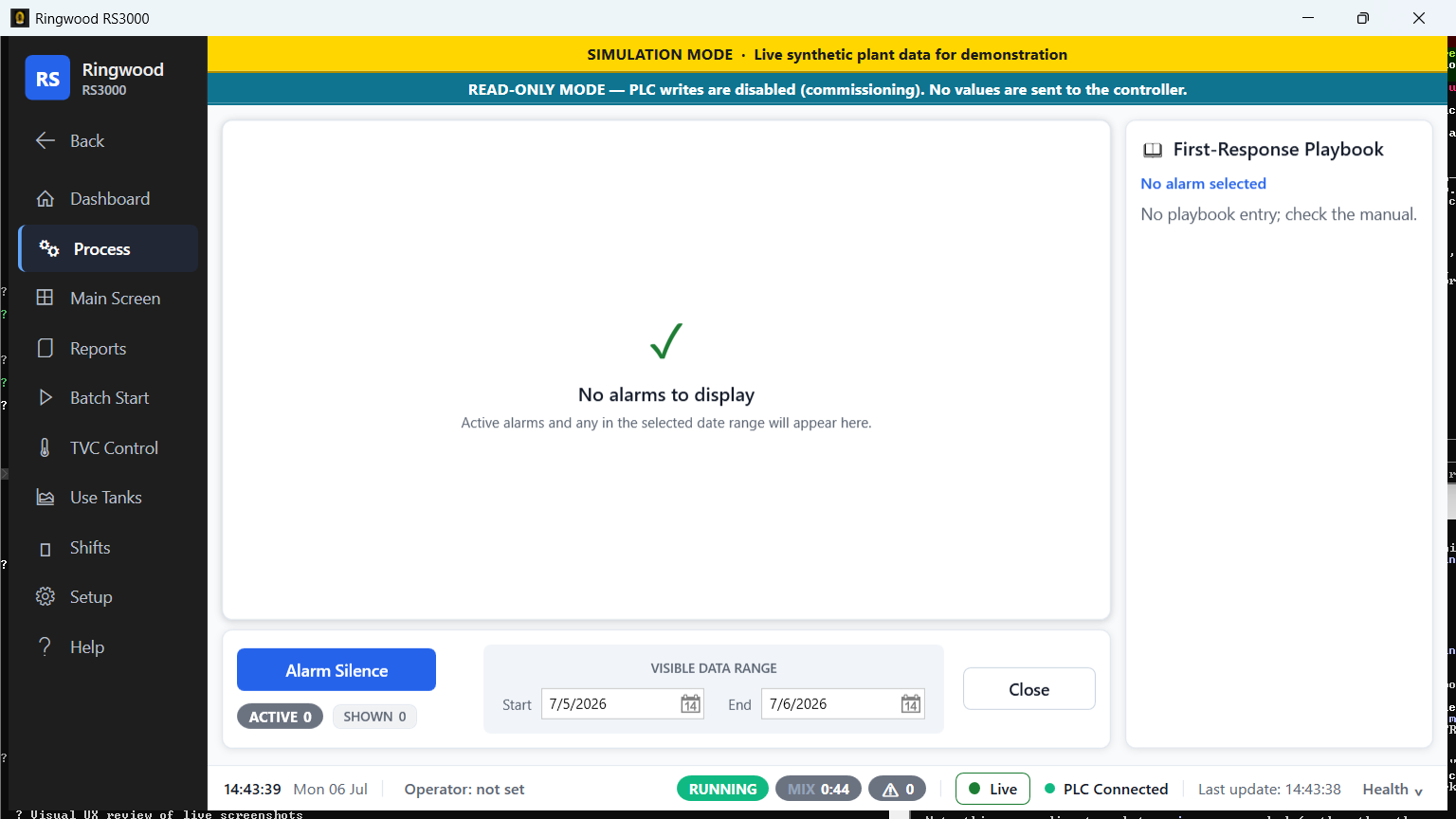
Process & alarms — Ring RS3000 screen
Process & alarmsLive alarm list with first-response guidance — what each alarm means and what to do first.
Plant floor — live tanks · 5

Plant floor — live tanks

The real-time process picture: every storage, mix and use tank with live level, temperature and batch status.
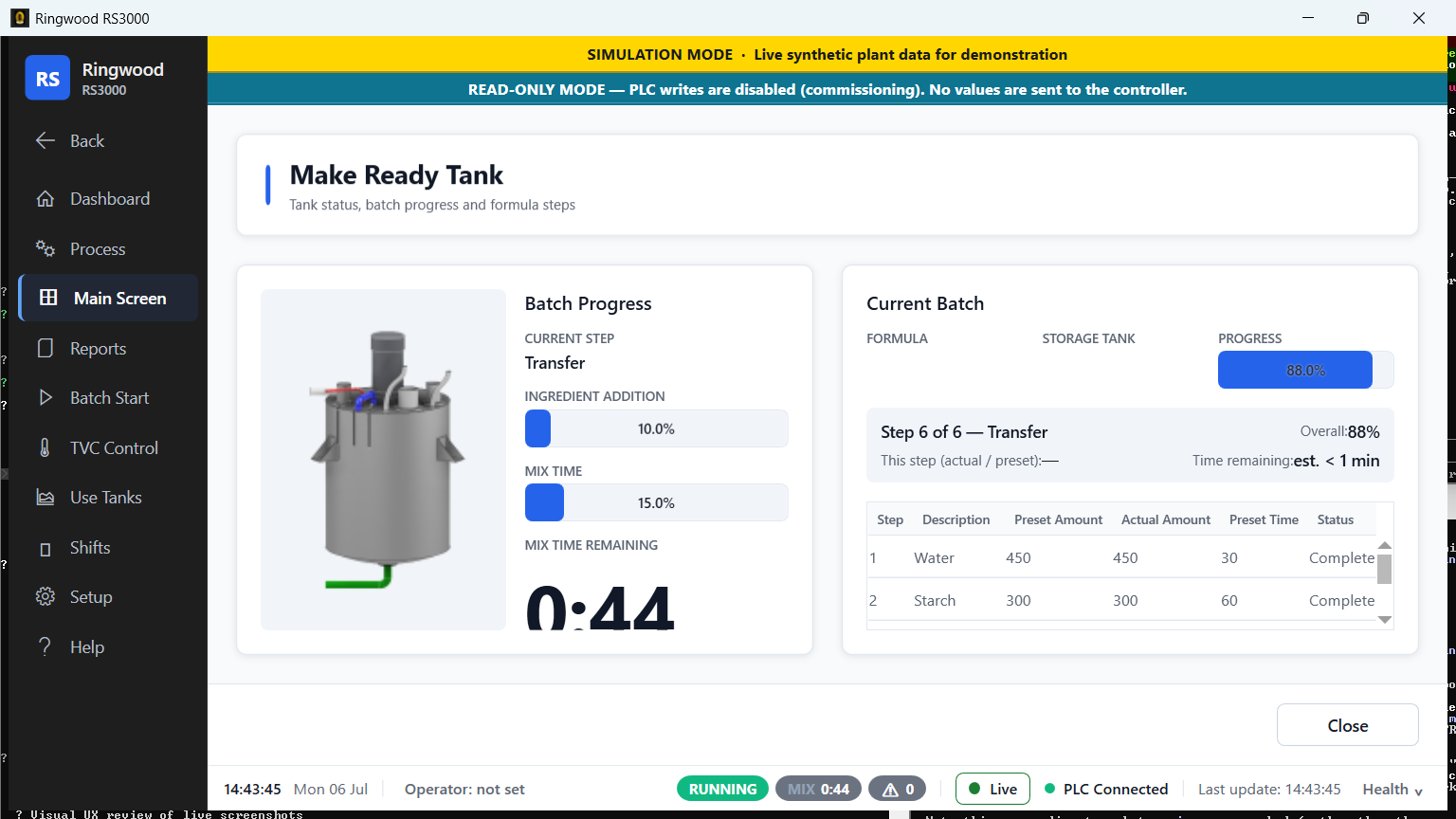
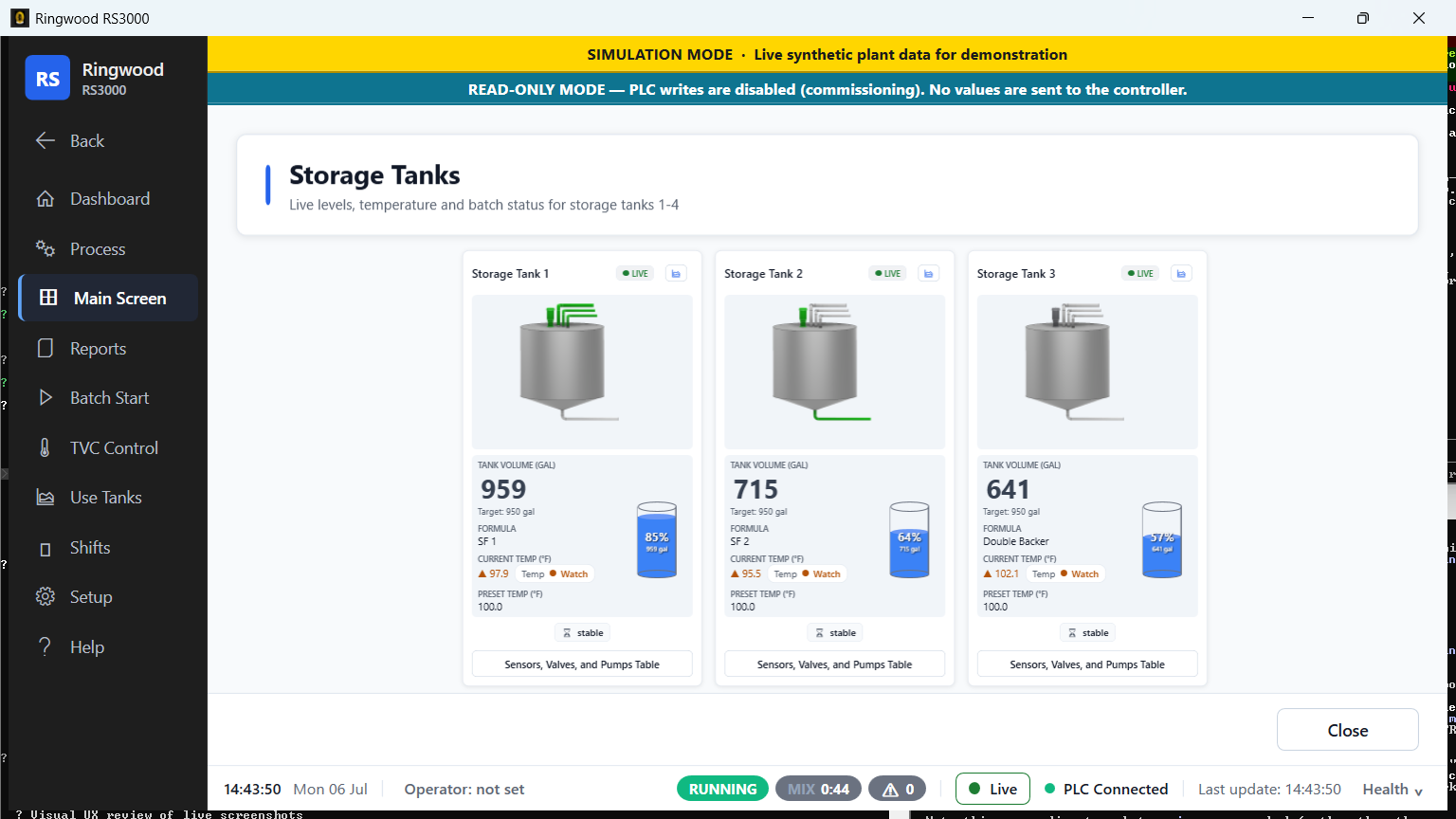
Make-ready tank — Ring RS3000 screen
Make-ready tankThe mixer with live batch progress, the running recipe step, and the full step table.
Storage tank group — Ring RS3000 screen
Storage tank groupAll storage tanks side by side — fill level, temperature, formula and agitator state, live.
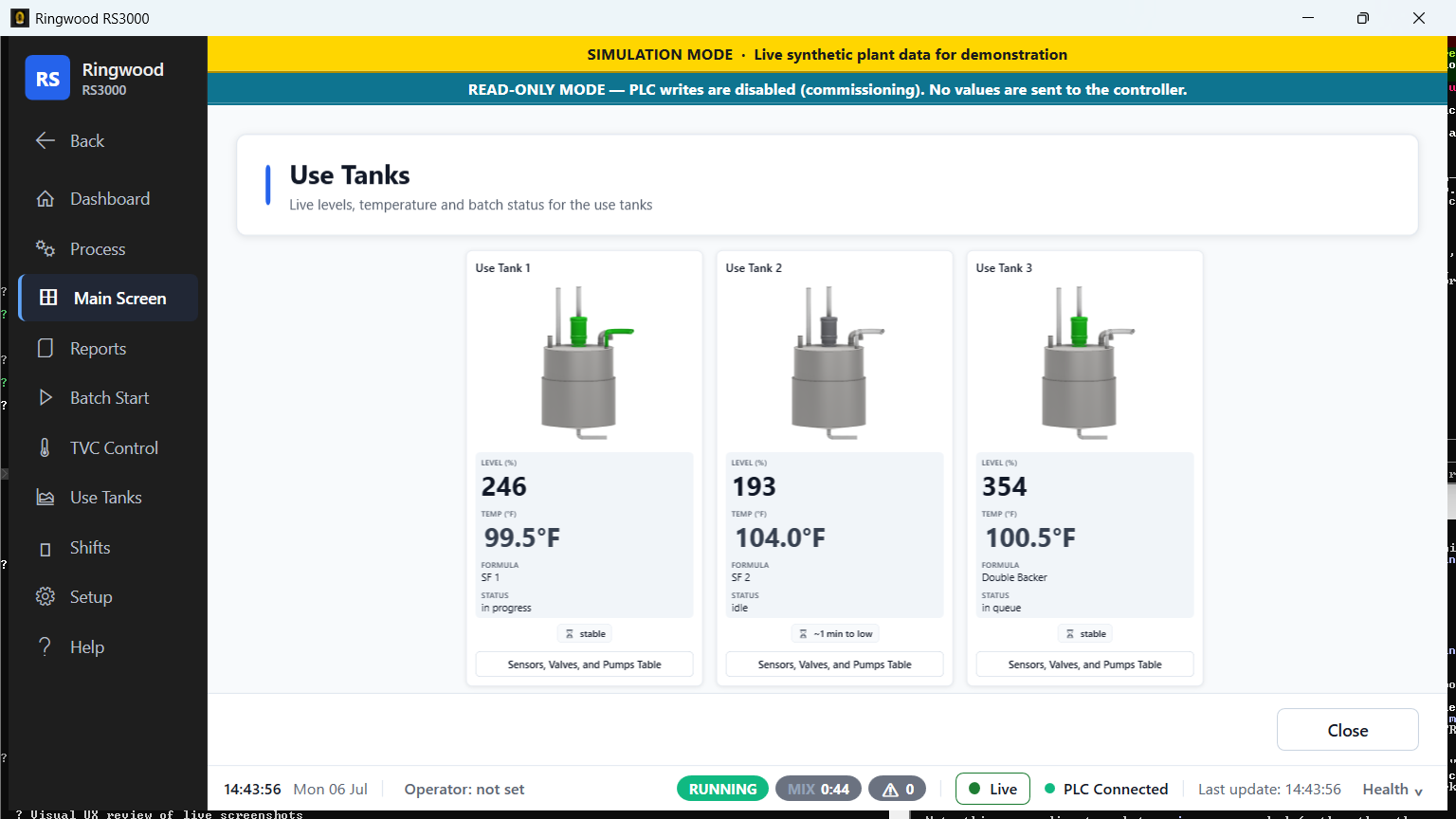
Use tank group — Ring RS3000 screen
Use tank groupThe downstream use tanks feeding the corrugator, with status and live measurements.
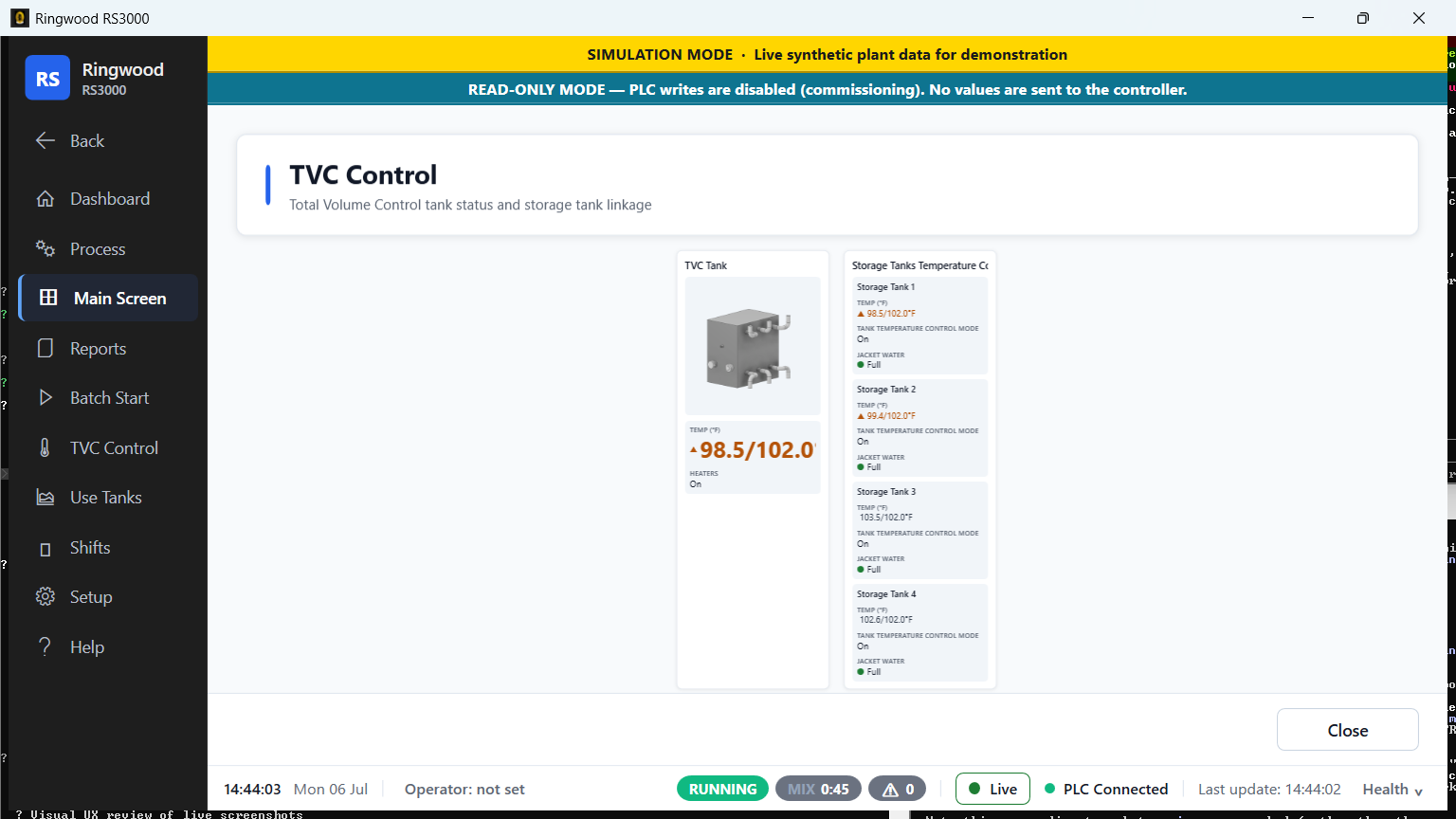
TVC overview — Ring RS3000 screen
TVC overviewTotal-Volume-Control tank status and the temperature-control link to every storage tank.
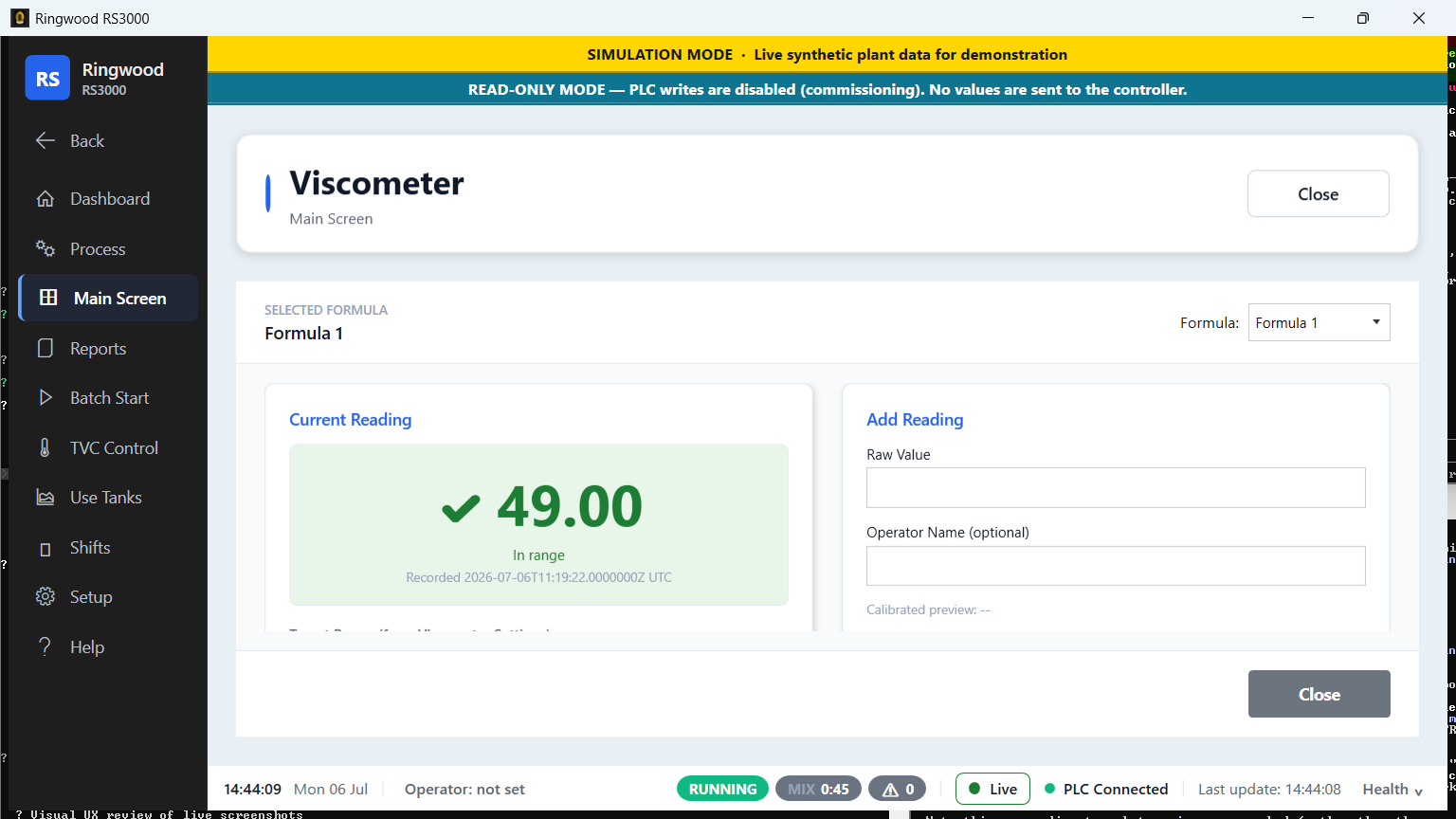
Viscometer — Ring RS3000 screen
ViscometerOperator viscosity readings against the calibrated alarm band, with recent history.
Batch & temperature control · 3

Batch & temperature control

Start batches and drive temperature control from purpose-built, touch-friendly screens.
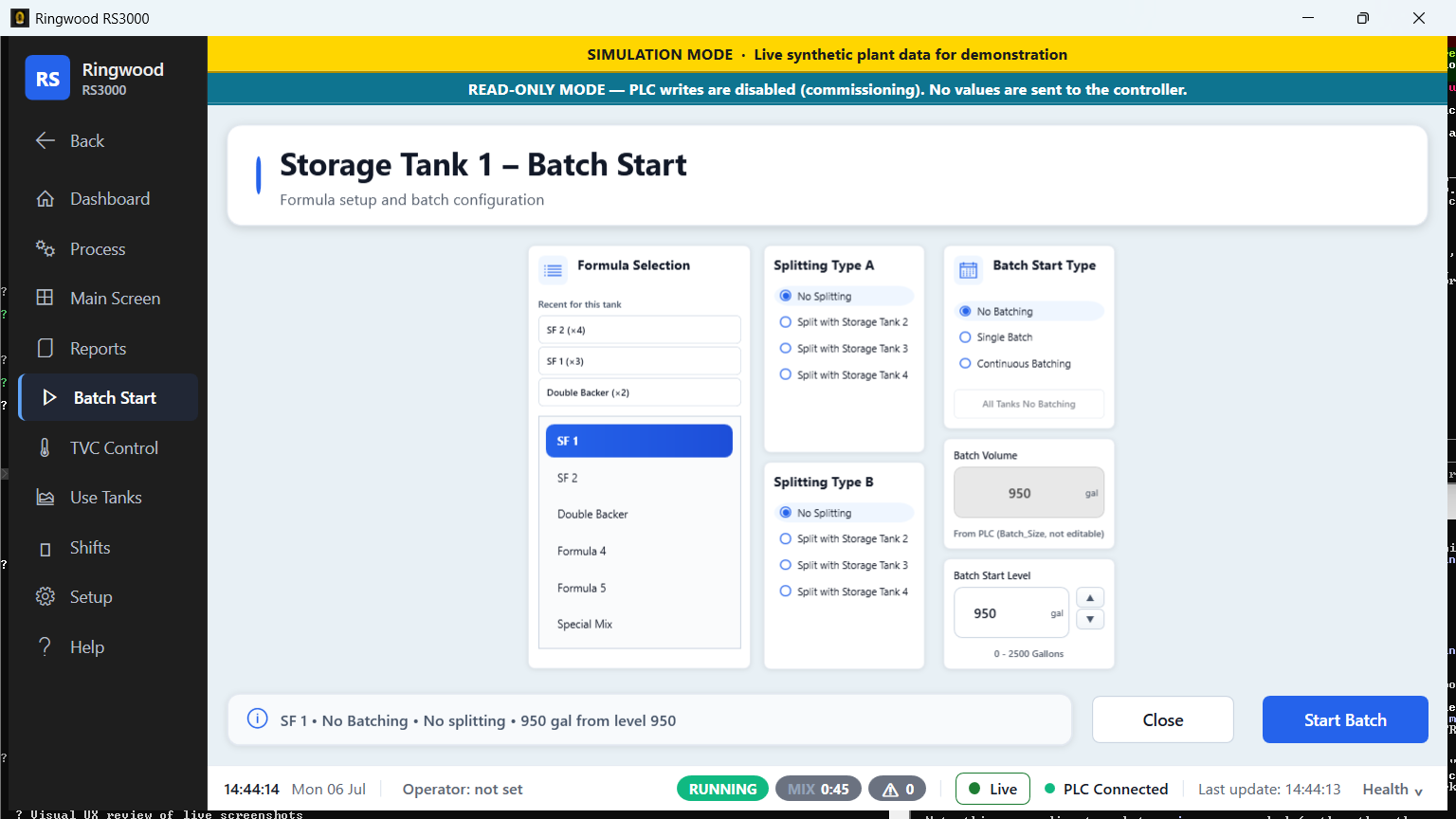
Batch start — Ring RS3000 screen
Batch startPick a formula and target, review, and start a batch — with gentle confirmations.
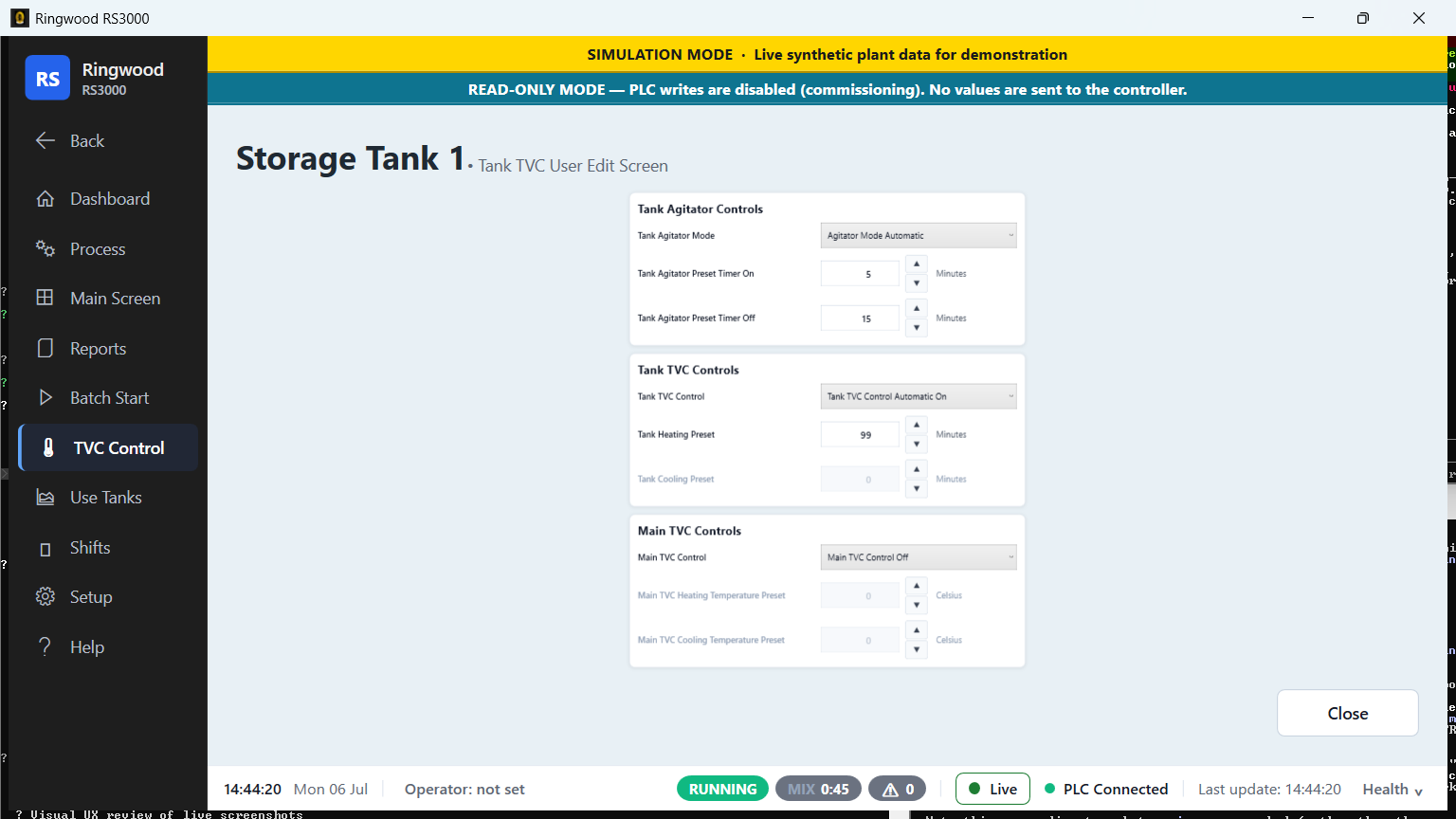
TVC control — Ring RS3000 screen
TVC controlPer-tank temperature-control setpoints and live heating/cooling status.
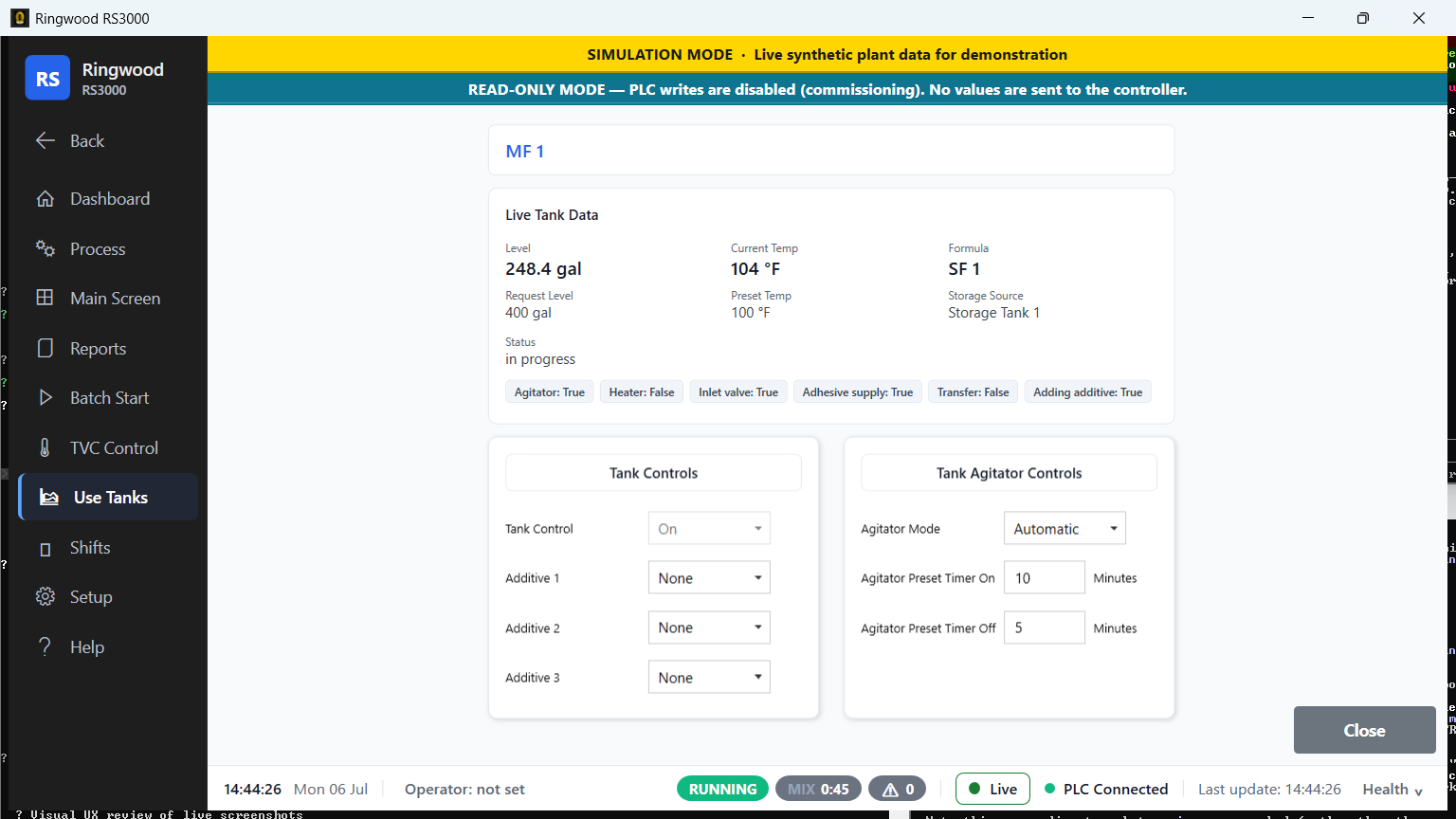
Use tank (MF 1) — Ring RS3000 screen
Use tank (MF 1)A dedicated live view of an individual use tank and its valves and pumps.
Shift management · 3

Shift management

Digital shift handover replaces verbal and paper notes — nothing gets lost between crews.
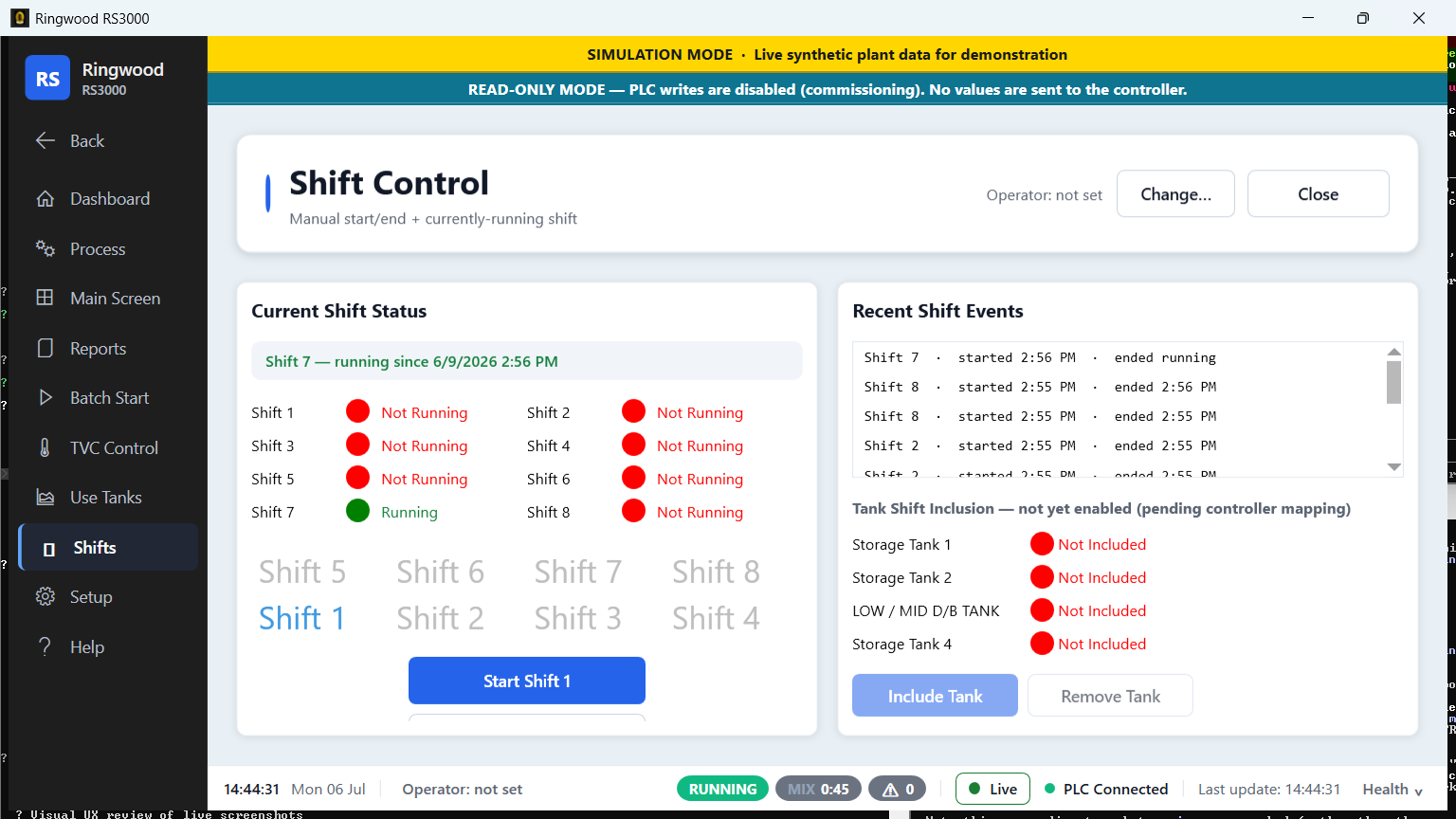
Shift control — Ring RS3000 screen
Shift controlCurrent shift, timings and crew — the hub for shift-based reporting.
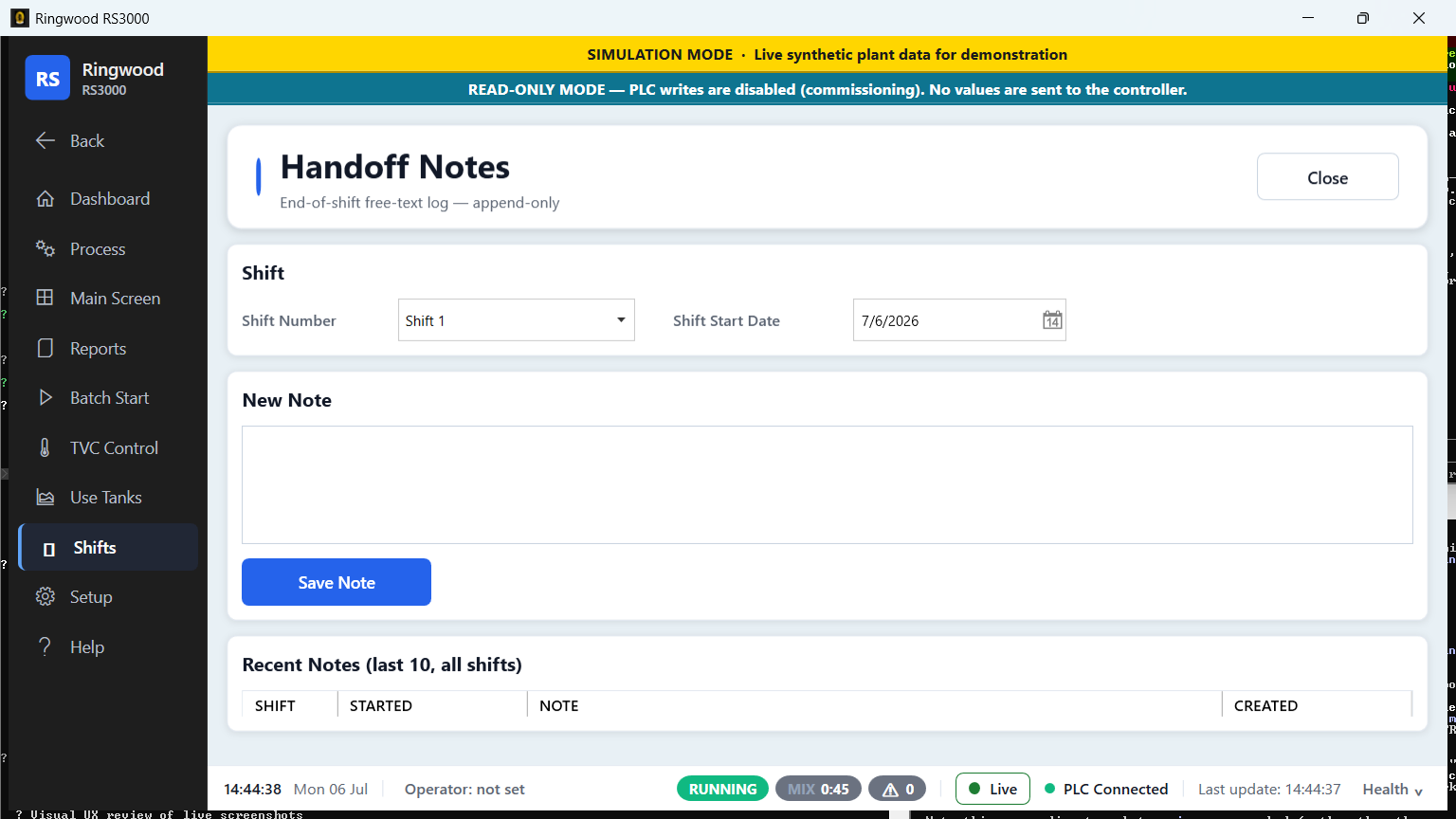
Handoff notes — Ring RS3000 screen
Handoff notesFree-text end-of-shift log so the next crew starts fully informed.
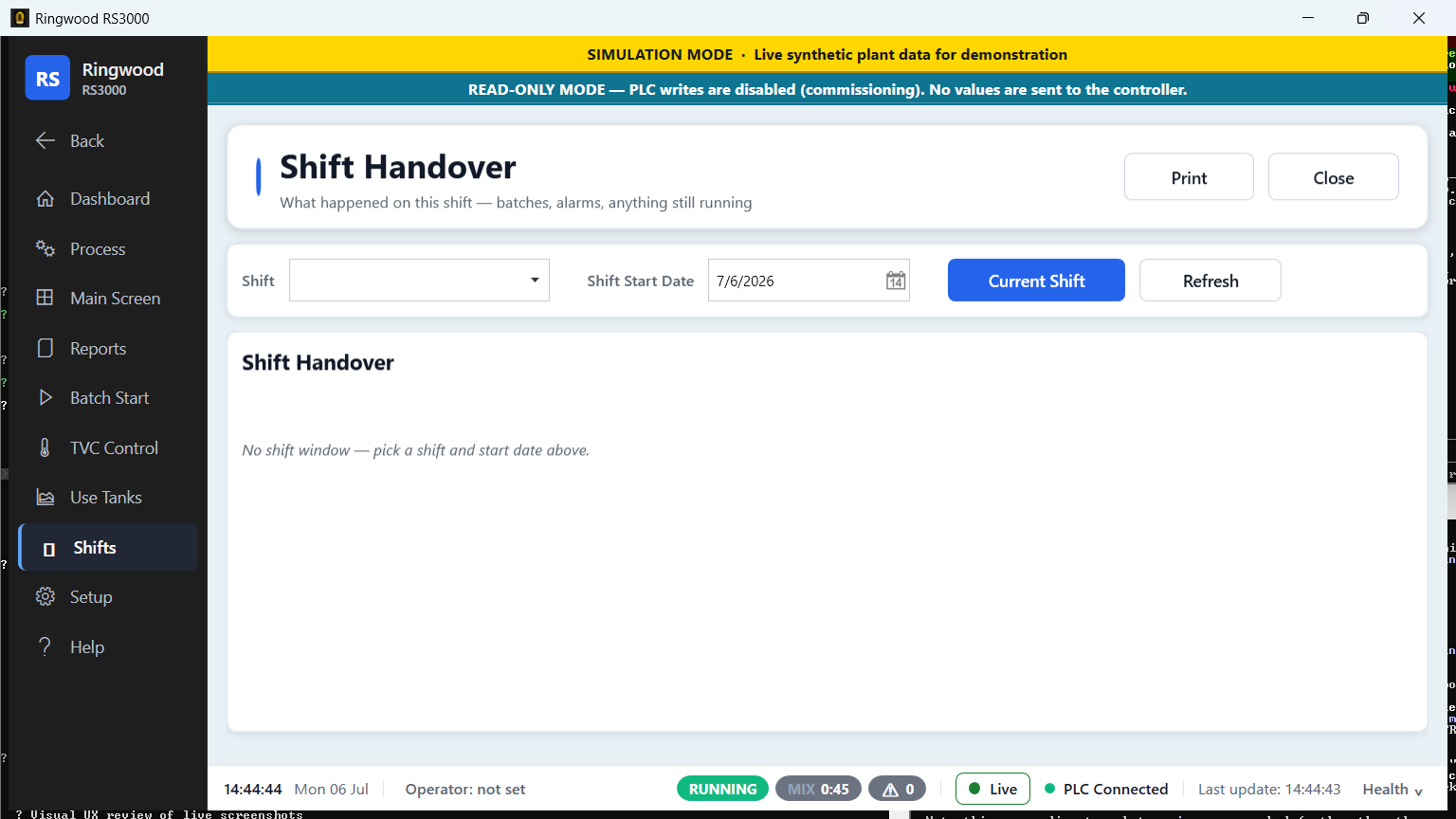
Handover summary — Ring RS3000 screen
Handover summaryA read-only recap of the shift: batches run, alarms seen, and what's still running.
Reports & analytics · 16

Reports & analytics

A full reporting suite — including the money and OEE reports the legacy system never had.

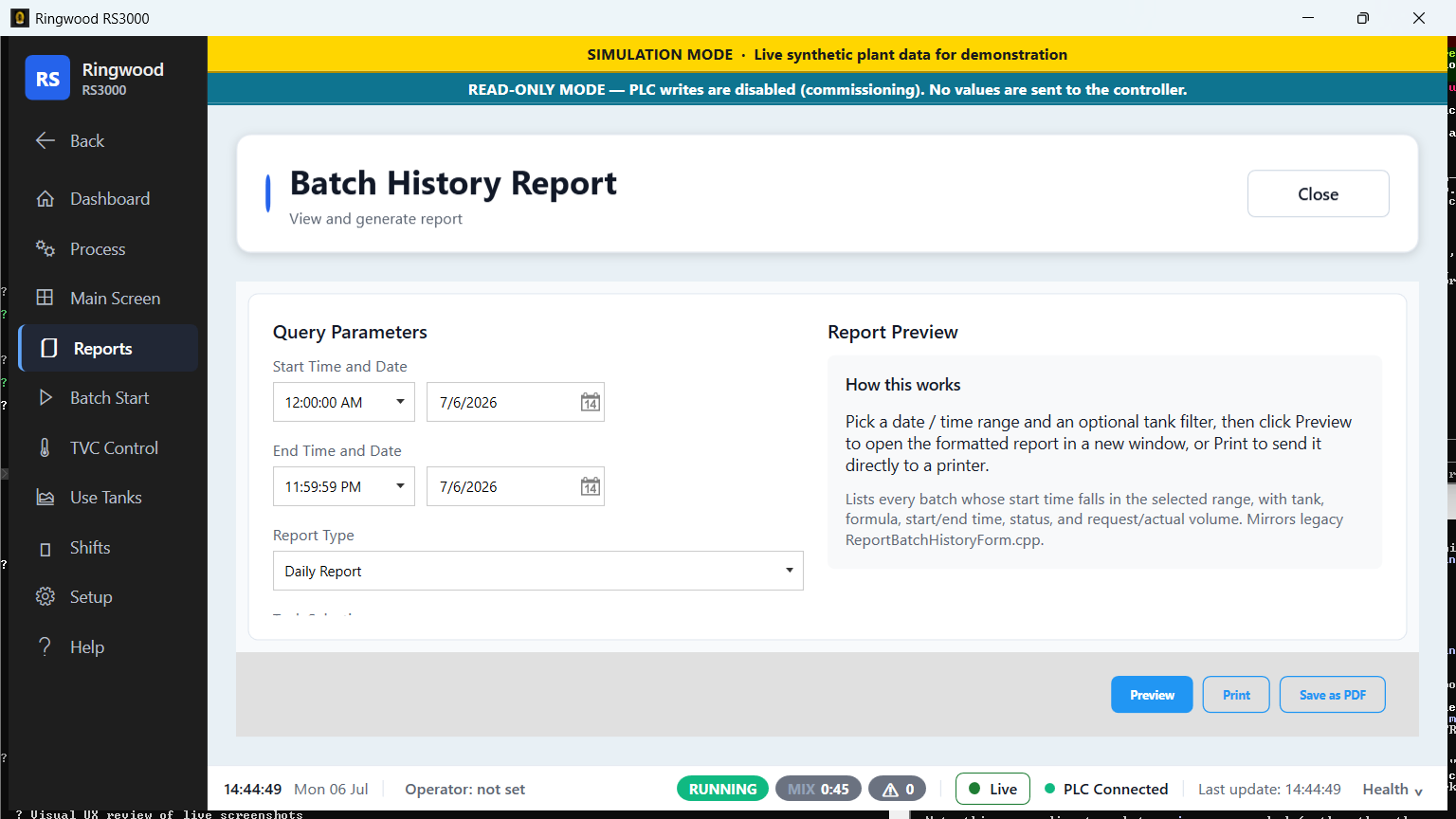
Batch history report — Ring RS3000 screen
Batch history reportQuery any date range and export a formatted batch report, or send it straight to a printer.
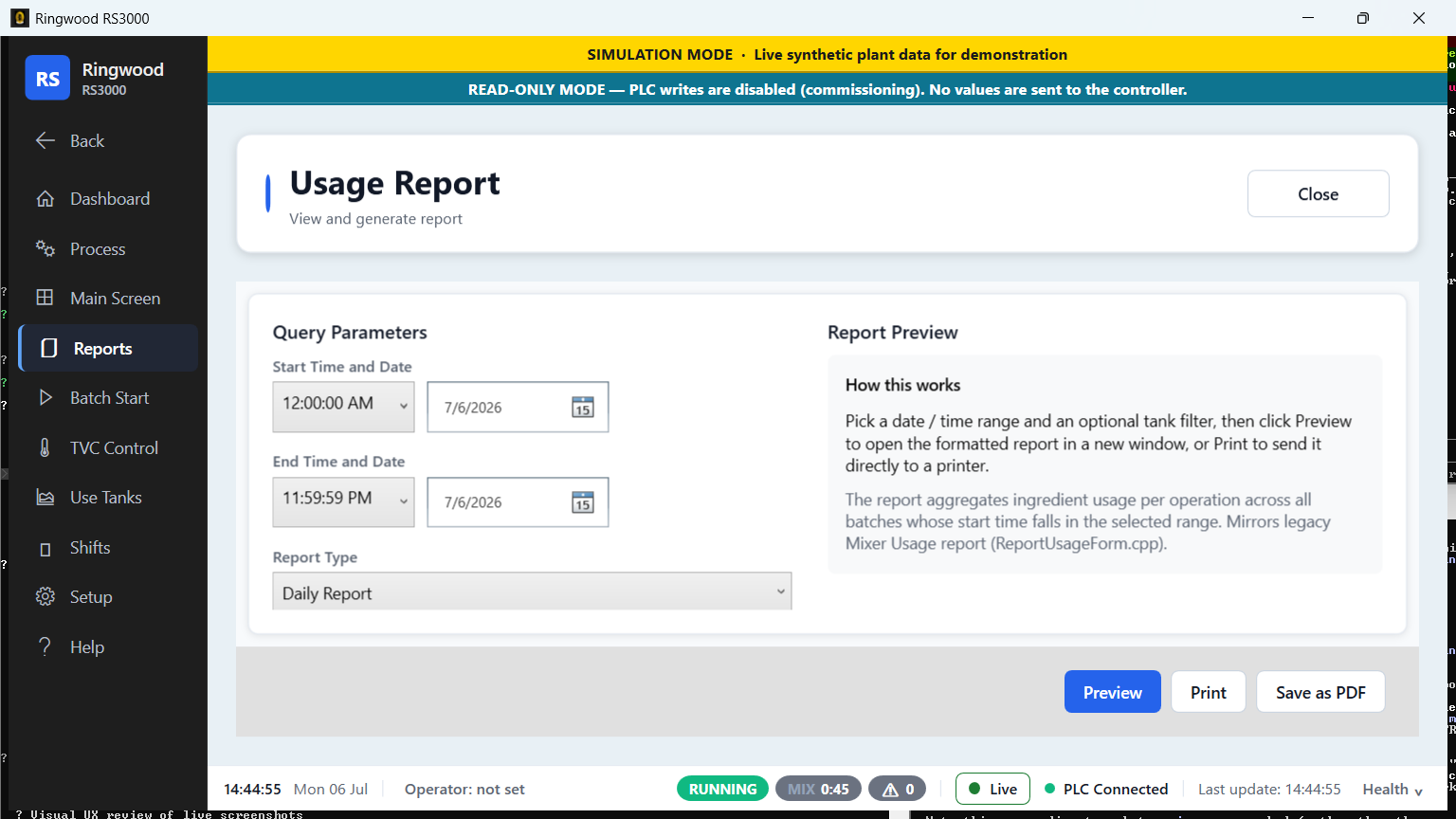
Usage report — Ring RS3000 screen
Usage reportIngredient and material usage over a chosen period.
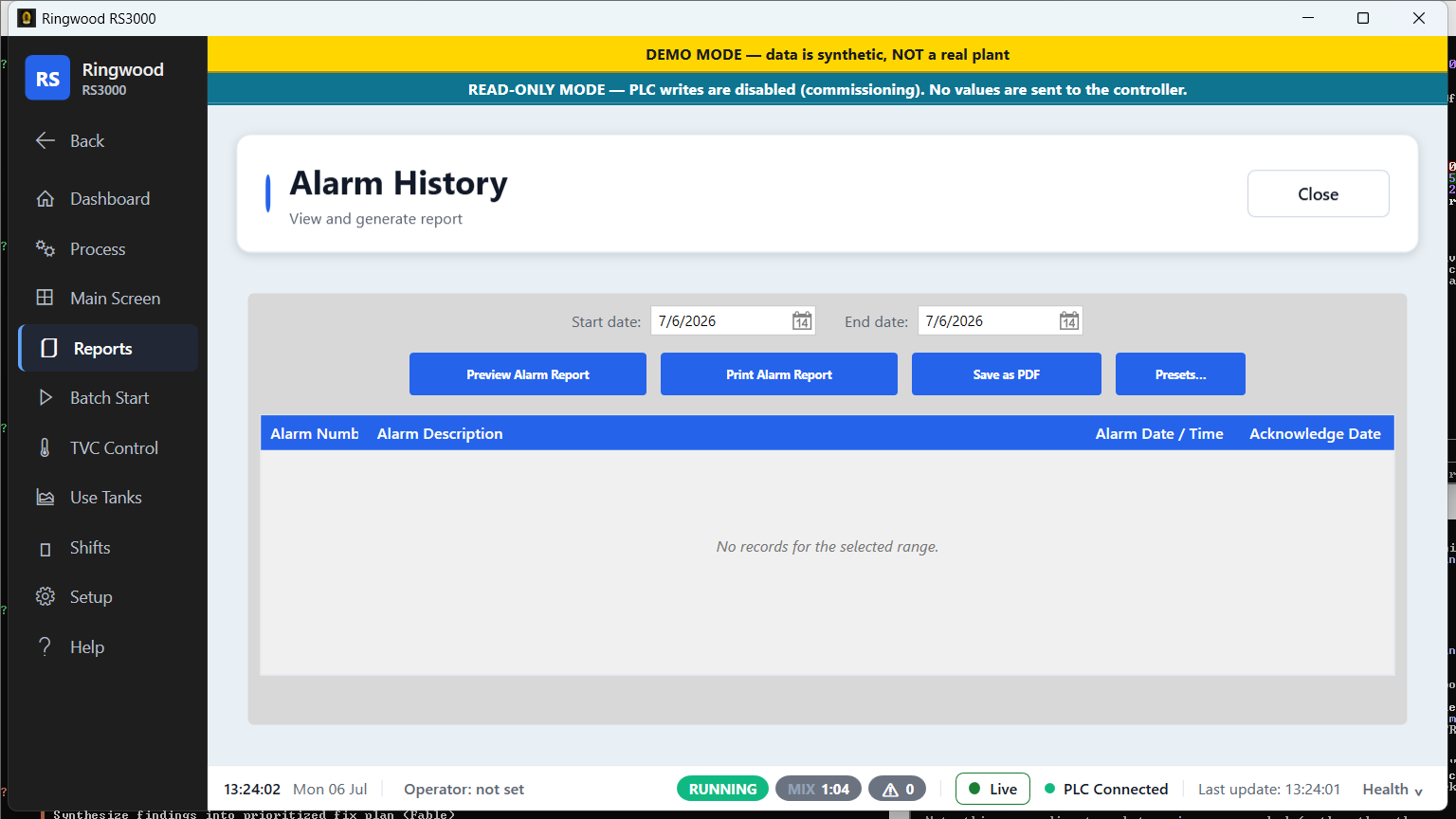
Alarm history — Ring RS3000 screen
Alarm historyThe full, searchable alarm record — preview, print or save as PDF.
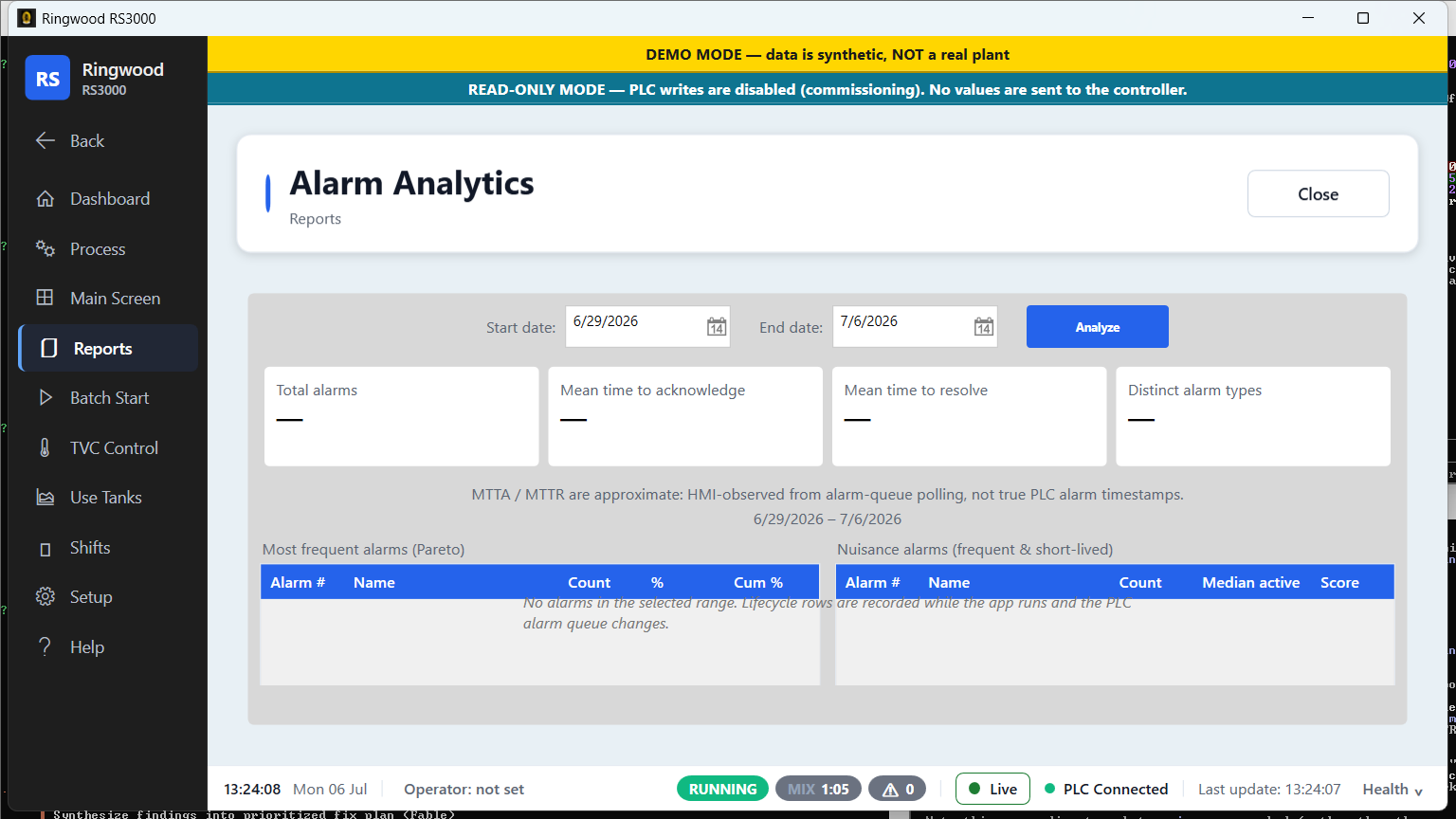
Alarm analytics — Ring RS3000 screen
Alarm analyticsPareto of the most frequent alarms plus mean-time-to-acknowledge and to-resolve.
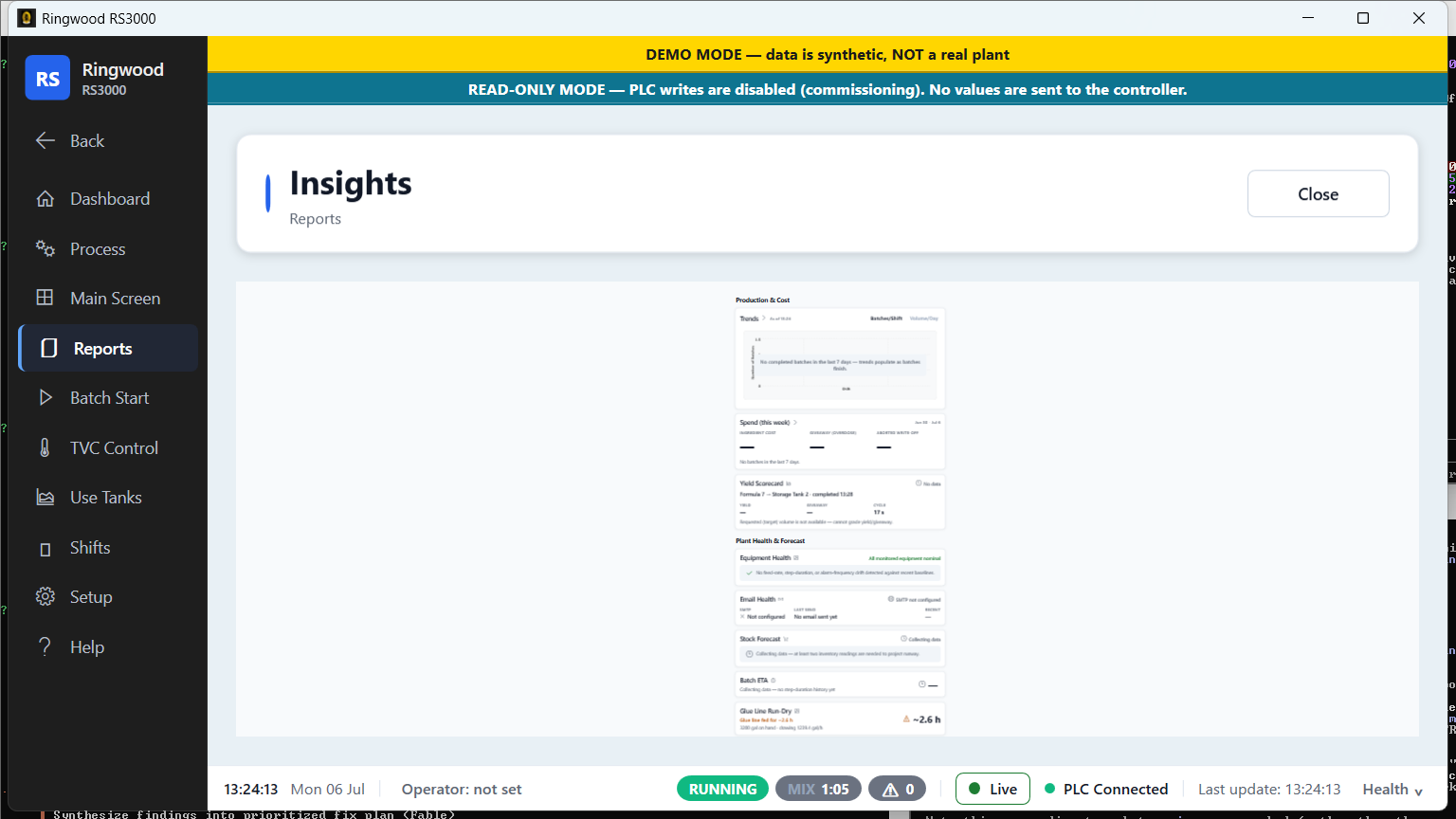
Insights — Ring RS3000 screen
InsightsProduction, cost, yield and plant-health at a glance, with forecast and stock warnings.
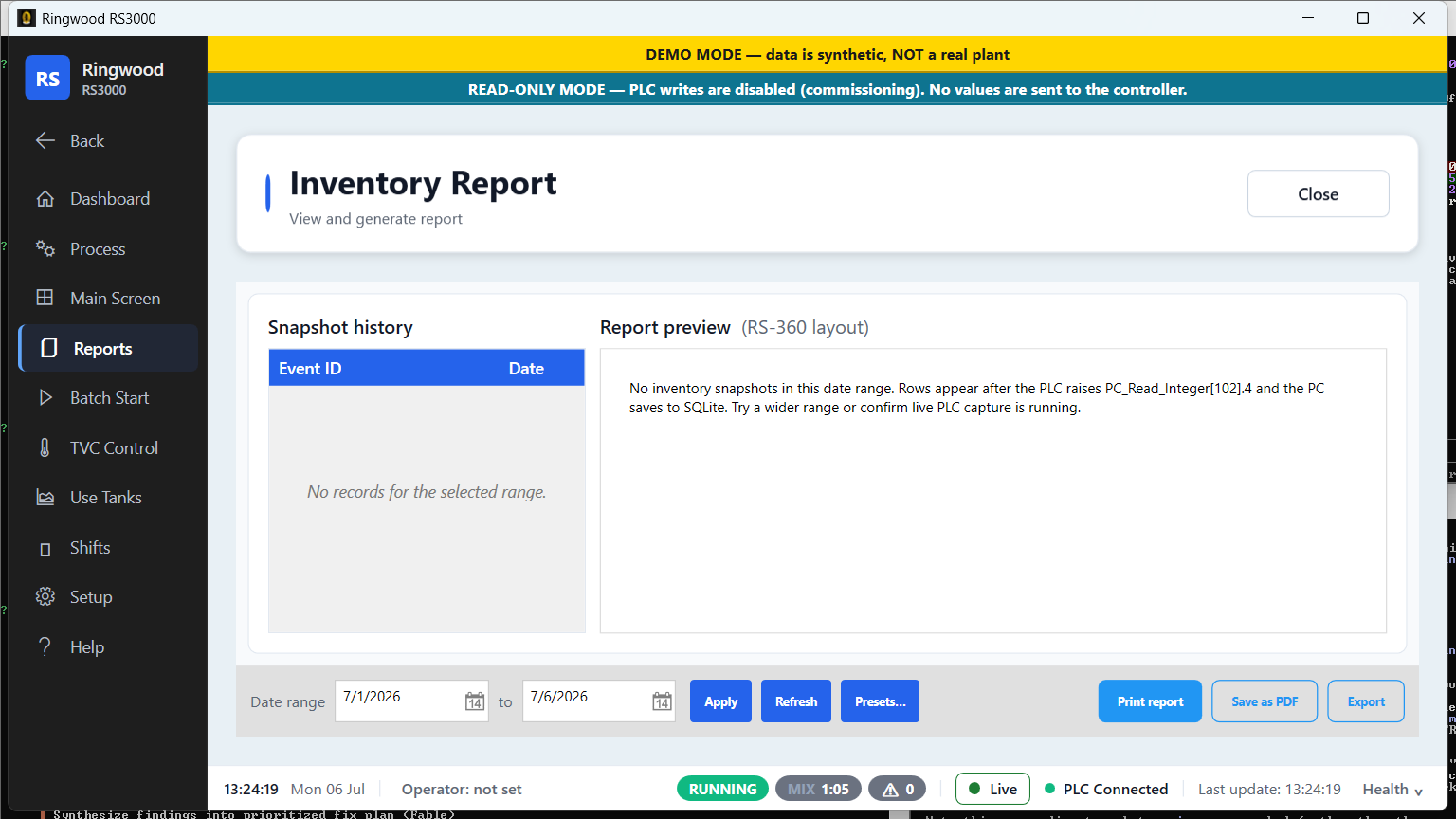
Inventory report — Ring RS3000 screen
Inventory reportIngredient inventory snapshots over time.
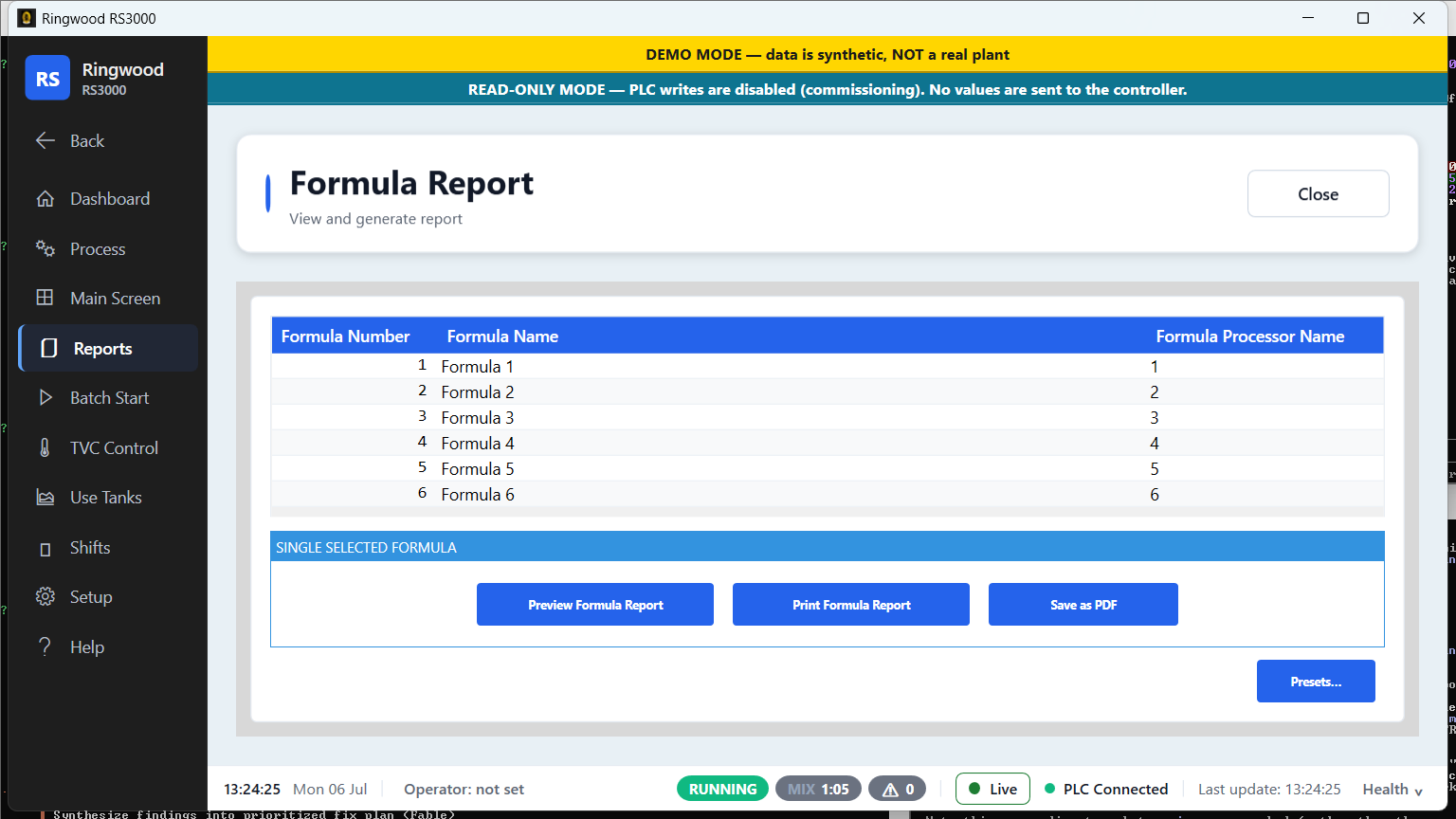
Formula report — Ring RS3000 screen
Formula reportThe full recipe for every formula — steps, ingredients and preset amounts.
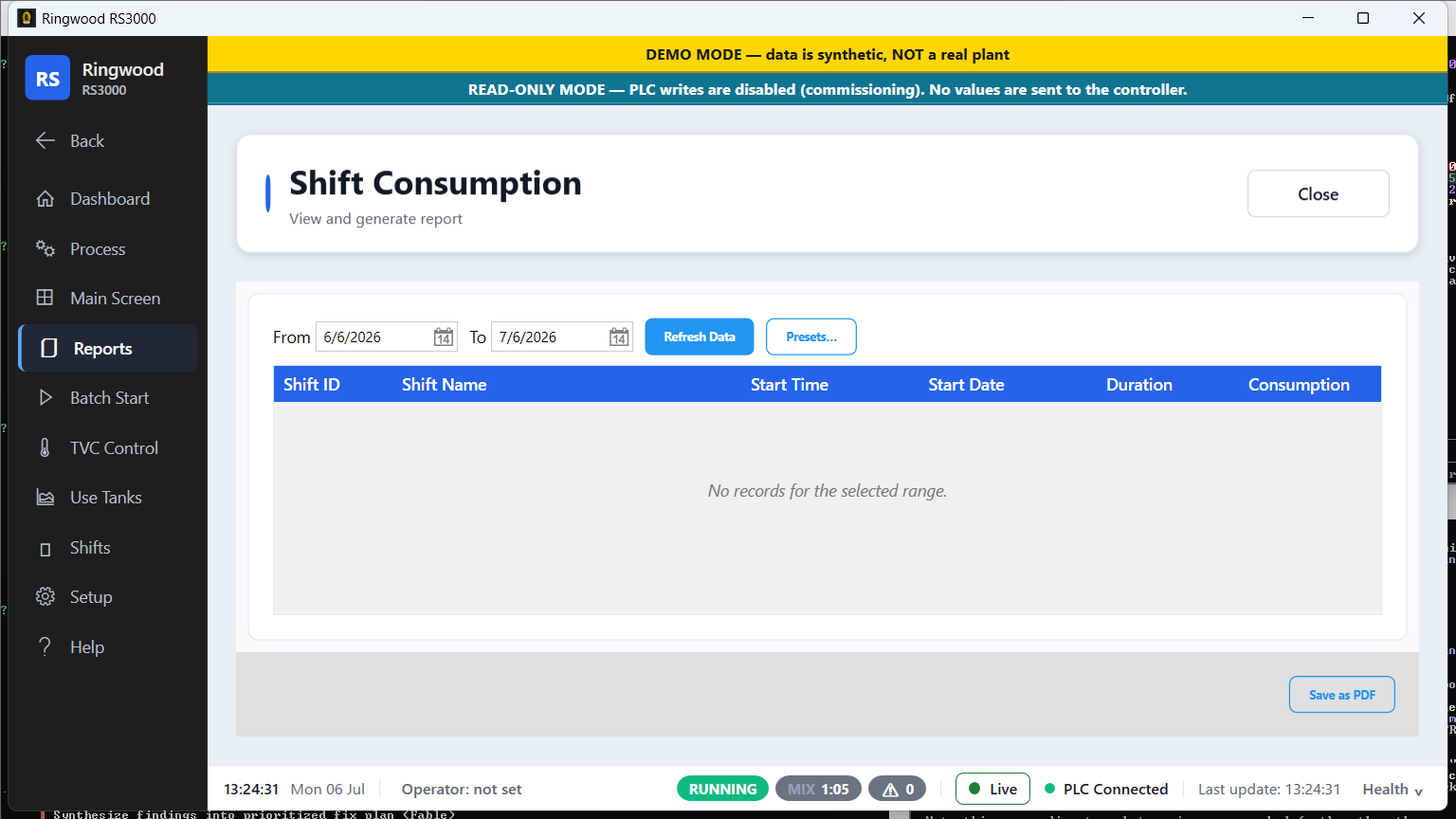
Shift consumption — Ring RS3000 screen
Shift consumptionWhat each shift consumed and produced, for cost and performance comparison.
Data-entry report — Ring RS3000 screen
Data-entry reportCustomisable per-screen data-entry logs over any date range.
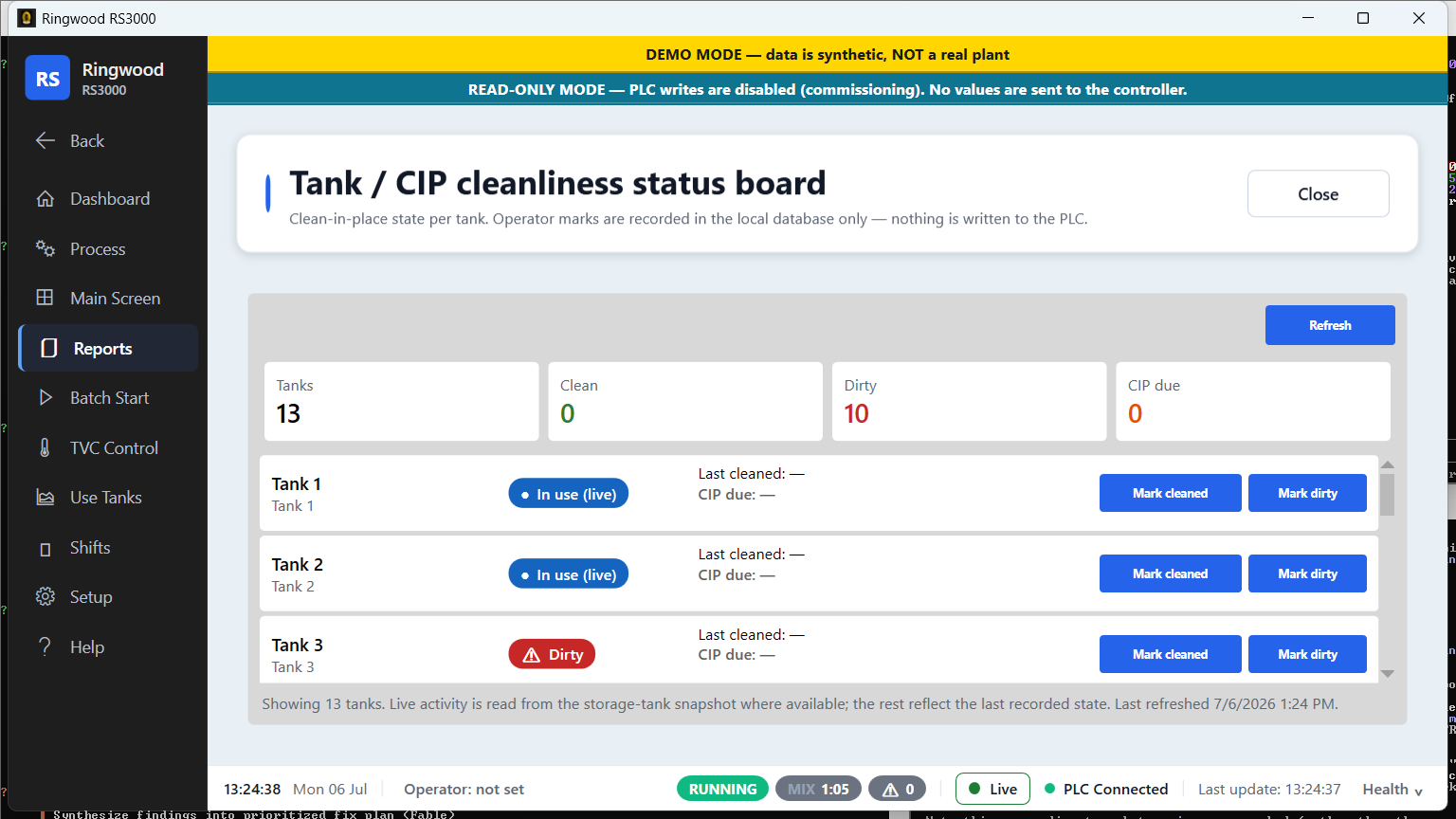
Tank / CIP board — Ring RS3000 screen
Tank / CIP boardCleaning status per tank — clean, due, or overdue — so CIP never slips.
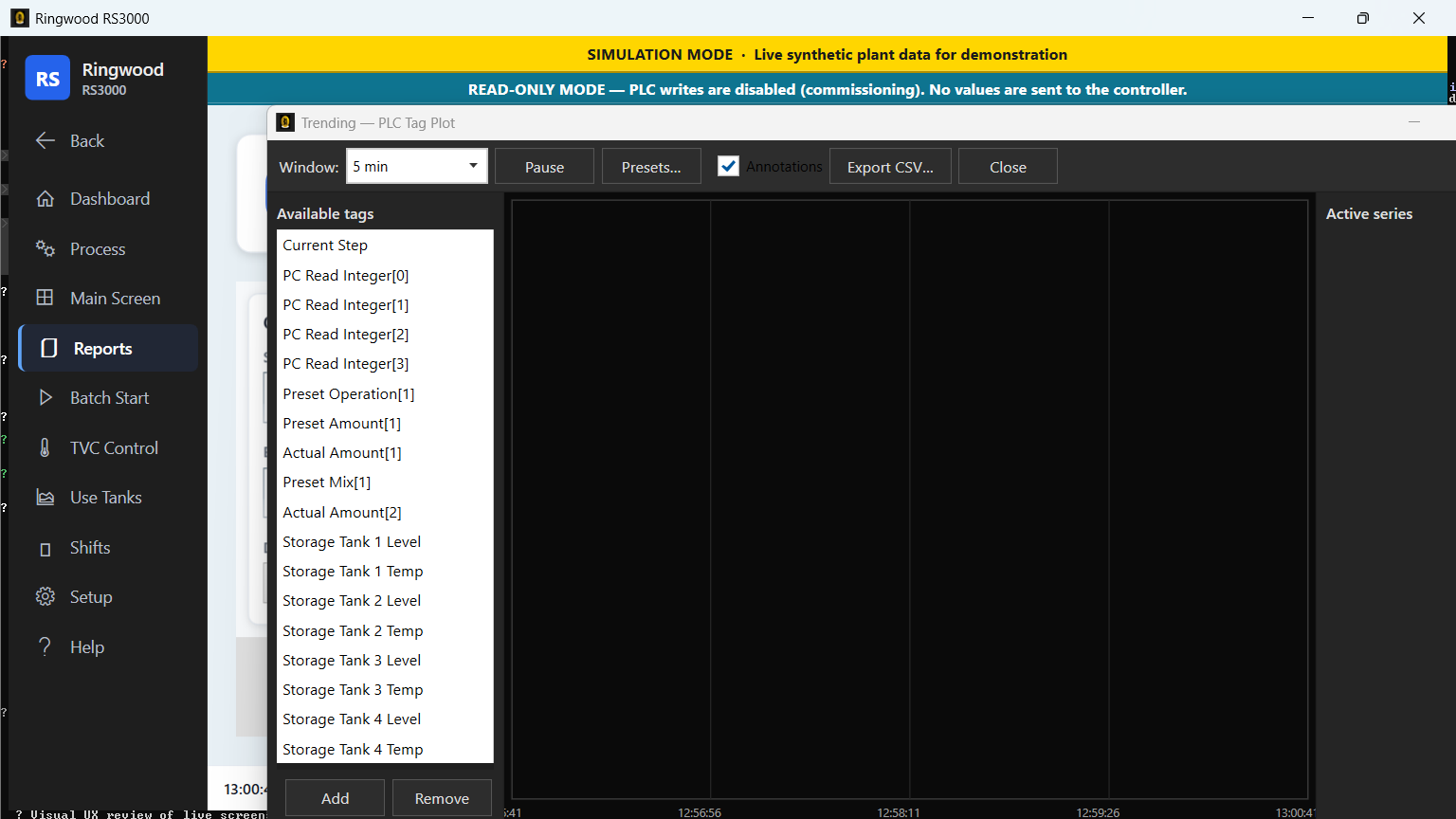
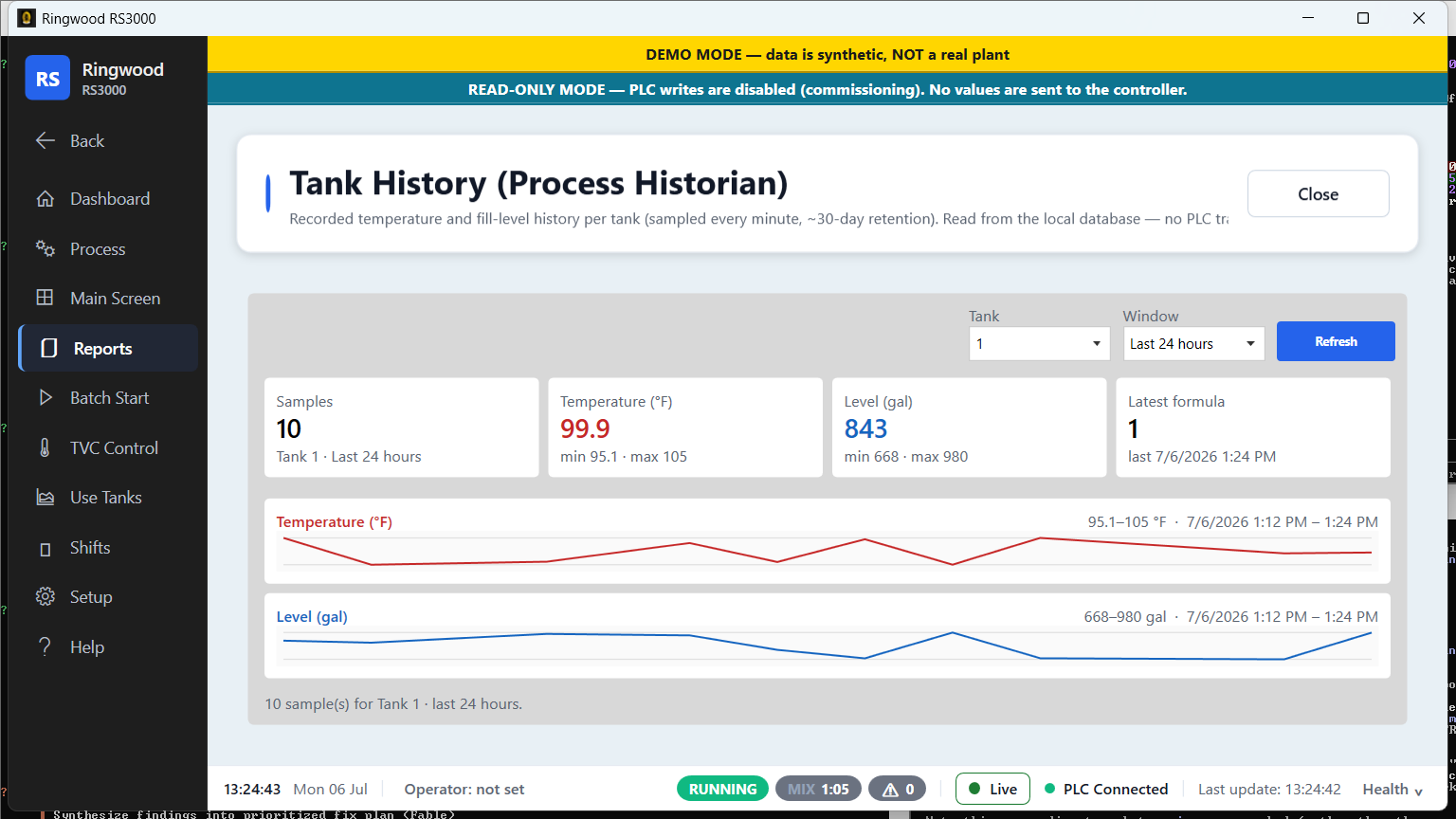
Tank history (process historian) — Ring RS3000 screen
Tank history (process historian)Recorded temperature and fill-level history per tank, sampled every minute.
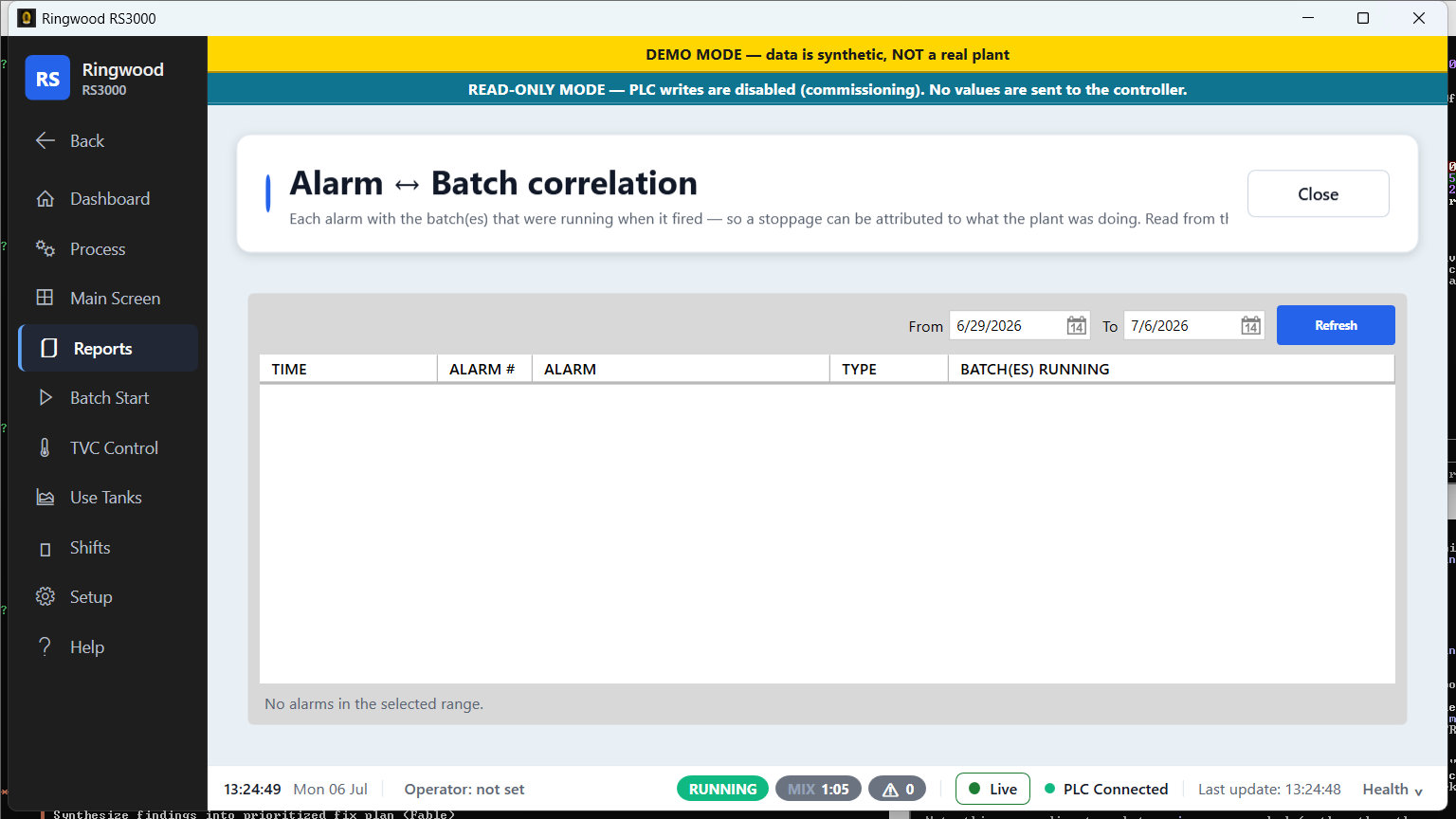
Alarm ↔ batch — Ring RS3000 screen
Alarm ↔ batchEach alarm linked to the batch that was running when it fired.
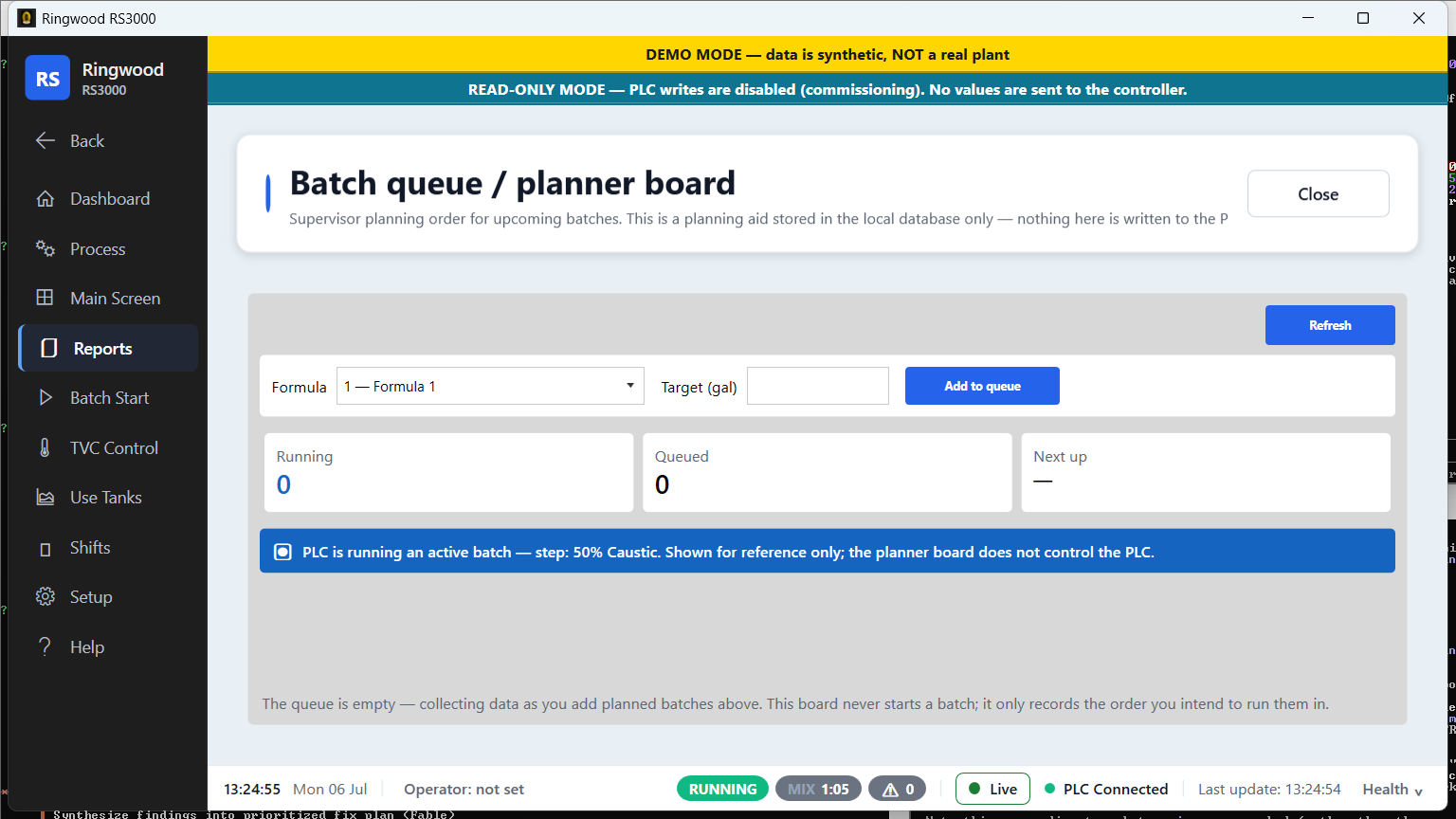
Batch queue board — Ring RS3000 screen
Batch queue boardThe planned production queue — what's running and what's next.
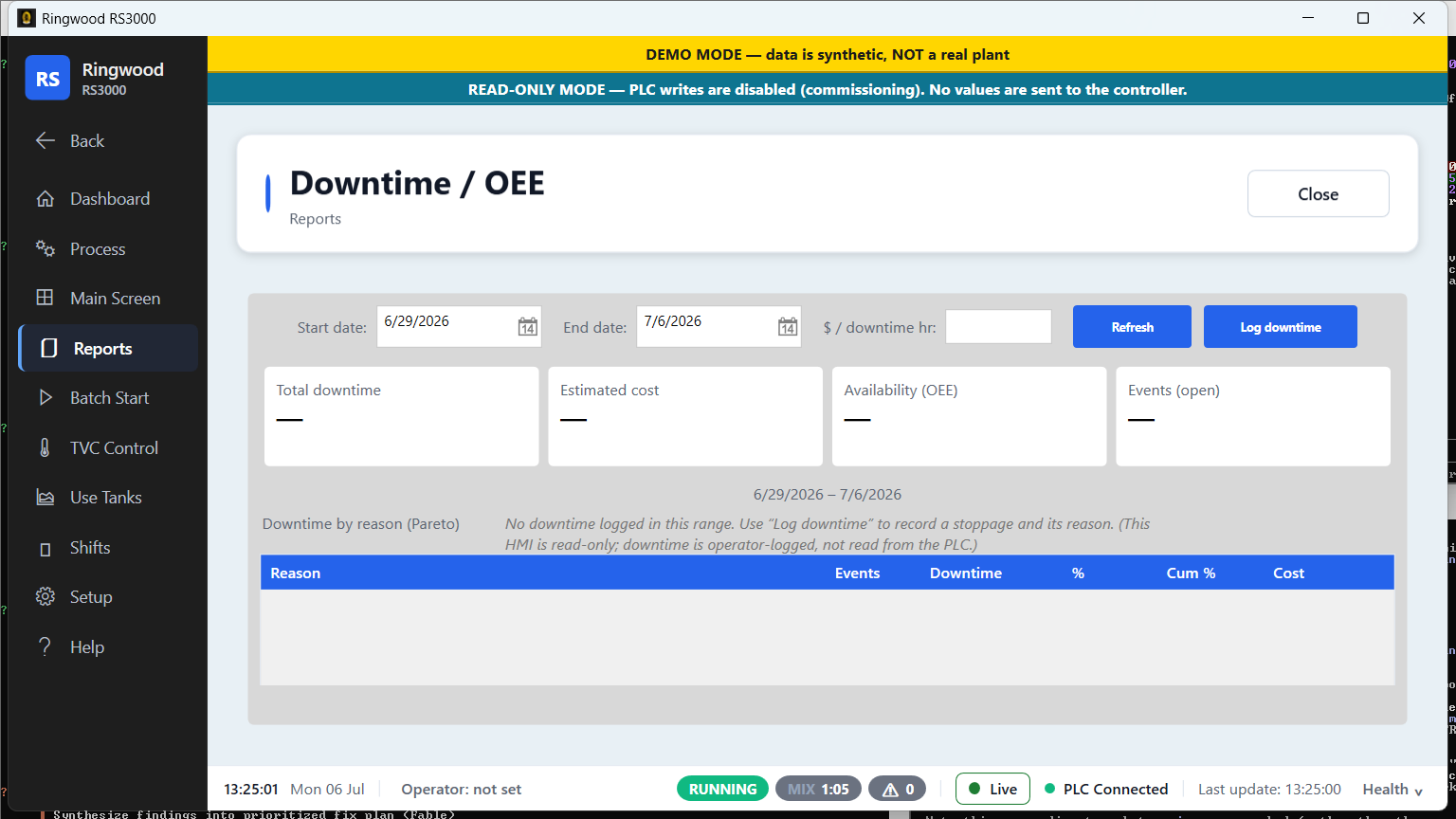
Downtime / OEE — Ring RS3000 screen
Downtime / OEEDowntime events by reason and an OEE view of plant performance.
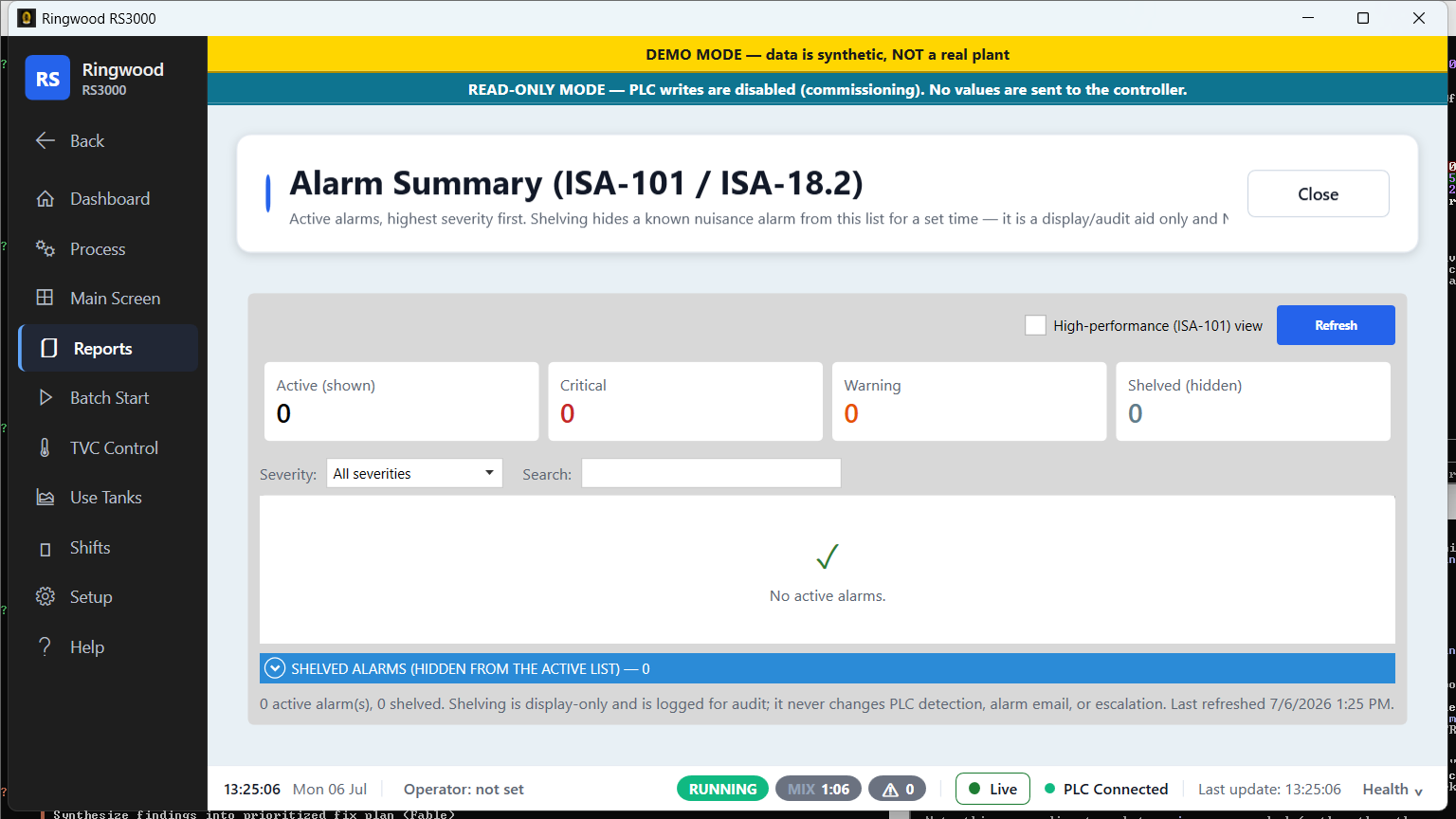
Alarm summary — Ring RS3000 screen
Alarm summaryA rolled-up summary of alarm activity for the period.
Database export — Ring RS3000 screen
Database exportOne-click CSV export of the underlying data — opens straight in Excel.
Setup & configuration · 10

Setup & configuration

Supervisor-tier configuration for the plant, recipes, alarms, costs and connectivity.
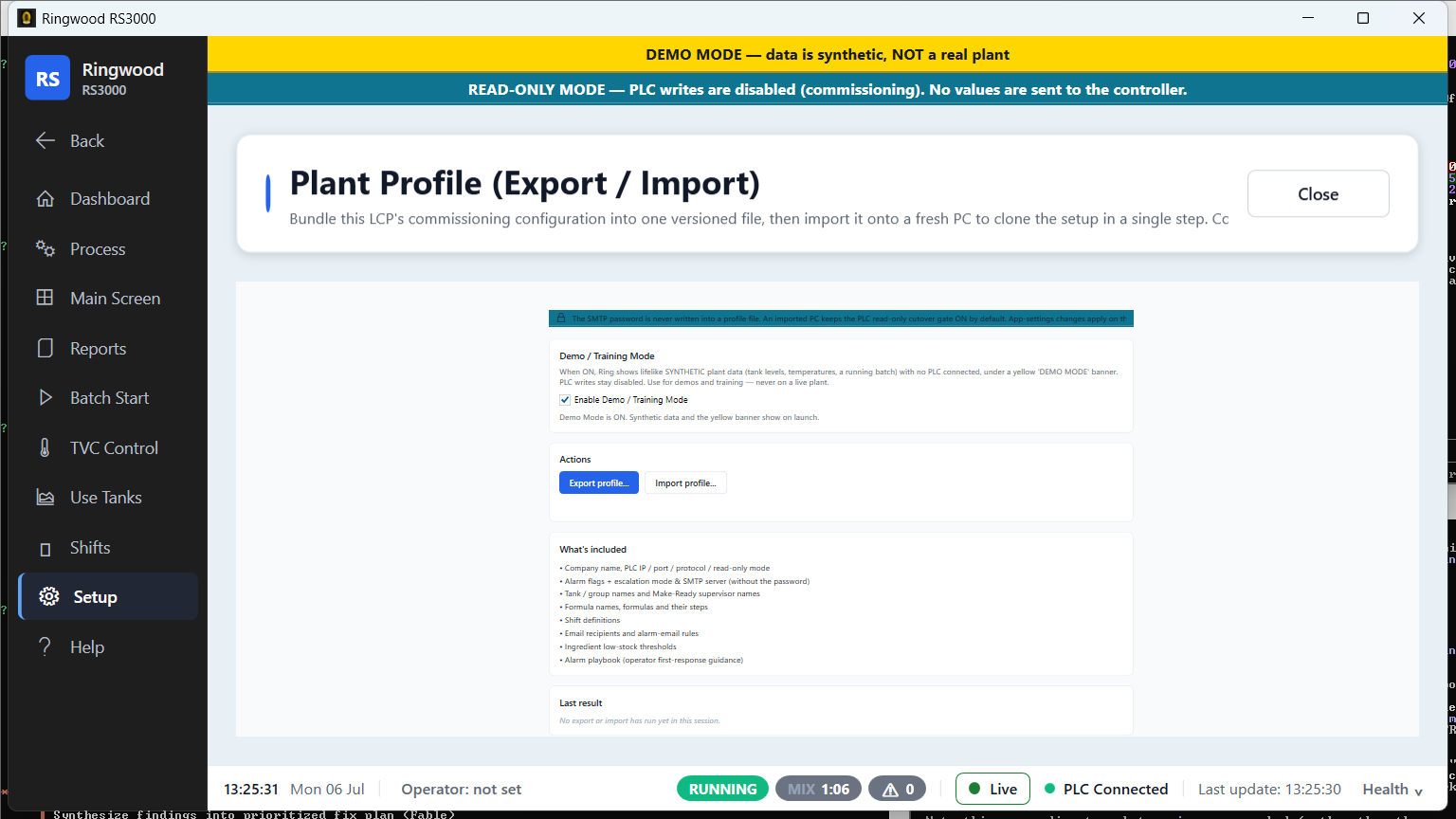
Plant profile — Ring RS3000 screen
Plant profileCommissioning profile for the plant — export and import in one place.
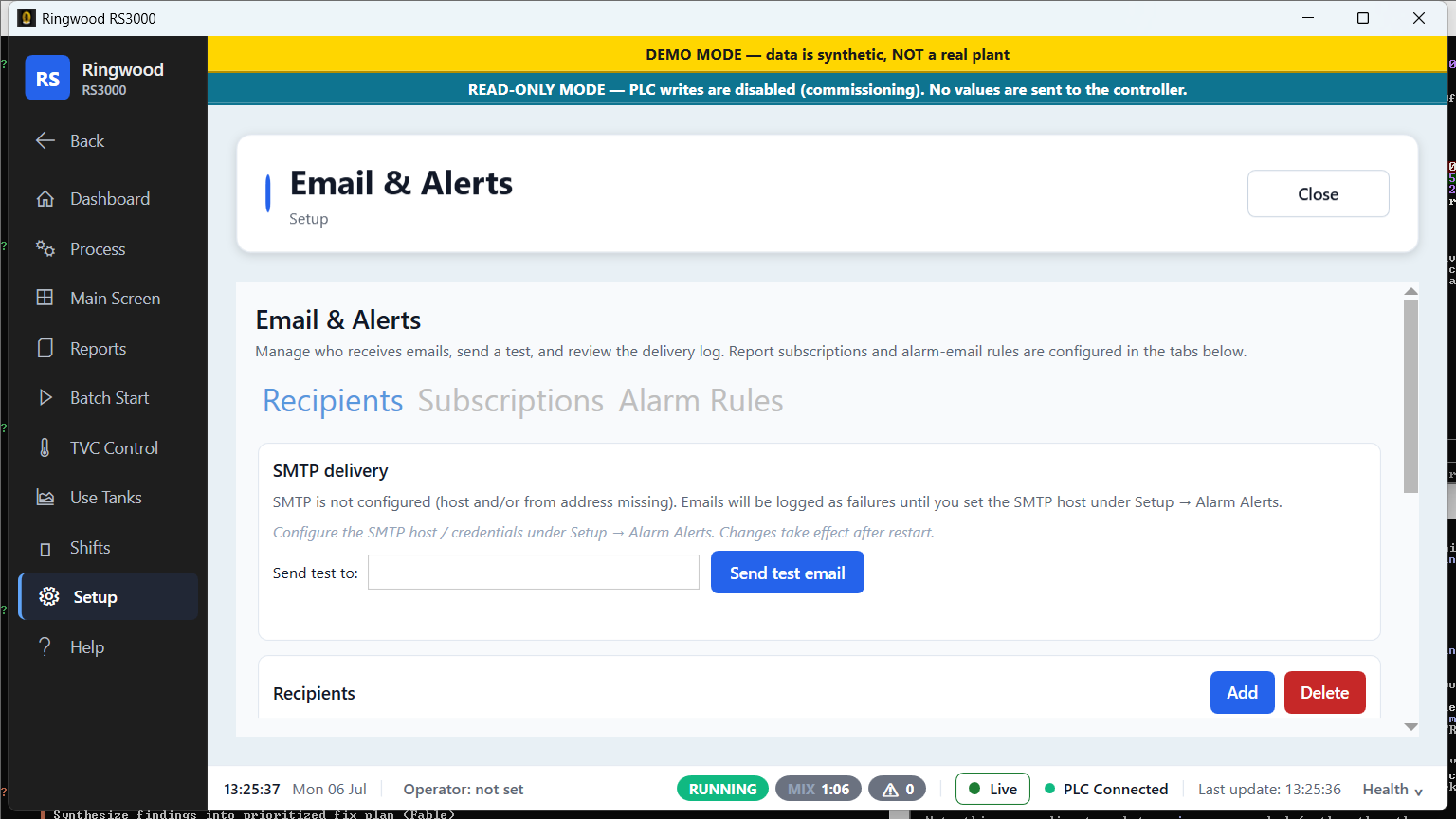
Email & alerts — Ring RS3000 screen
Email & alertsRecipients, test send and delivery log for automatic email escalation.
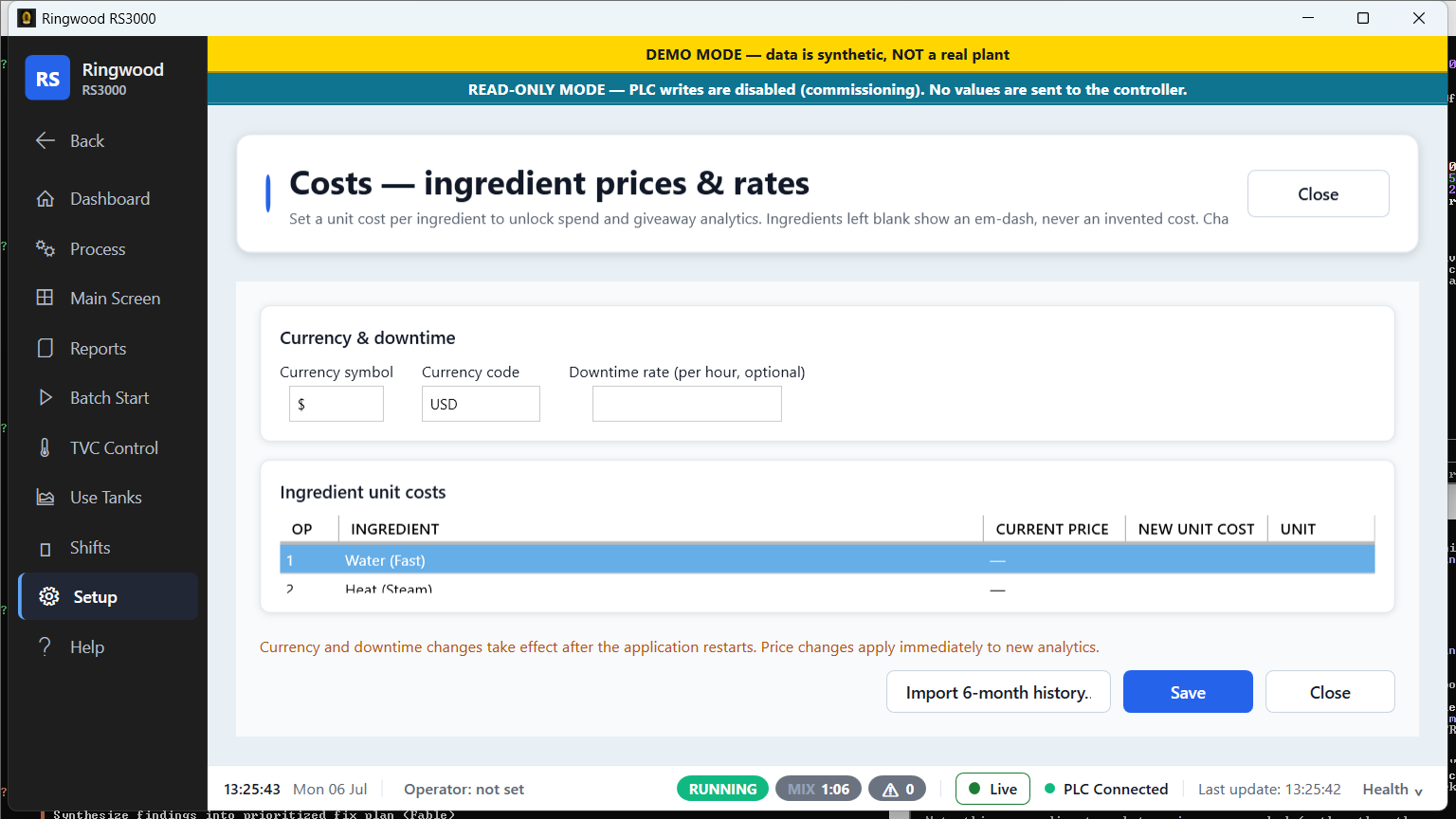
Costs — Ring RS3000 screen
CostsIngredient prices, currency and downtime rate — the inputs behind the money reports.
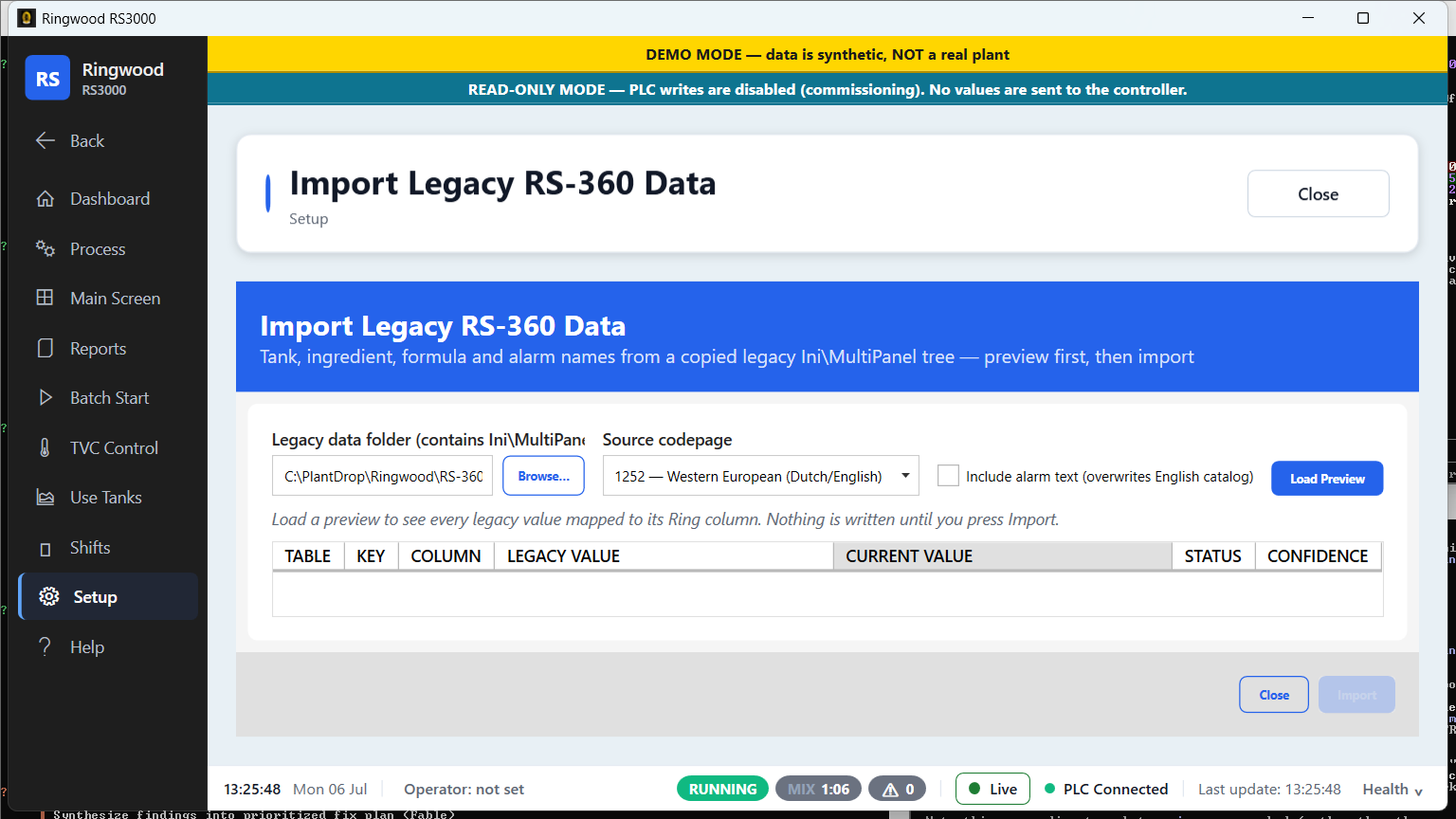
Legacy RS-360 import — Ring RS3000 screen
Legacy RS-360 importBring recipes, tank and ingredient names across from the legacy system.
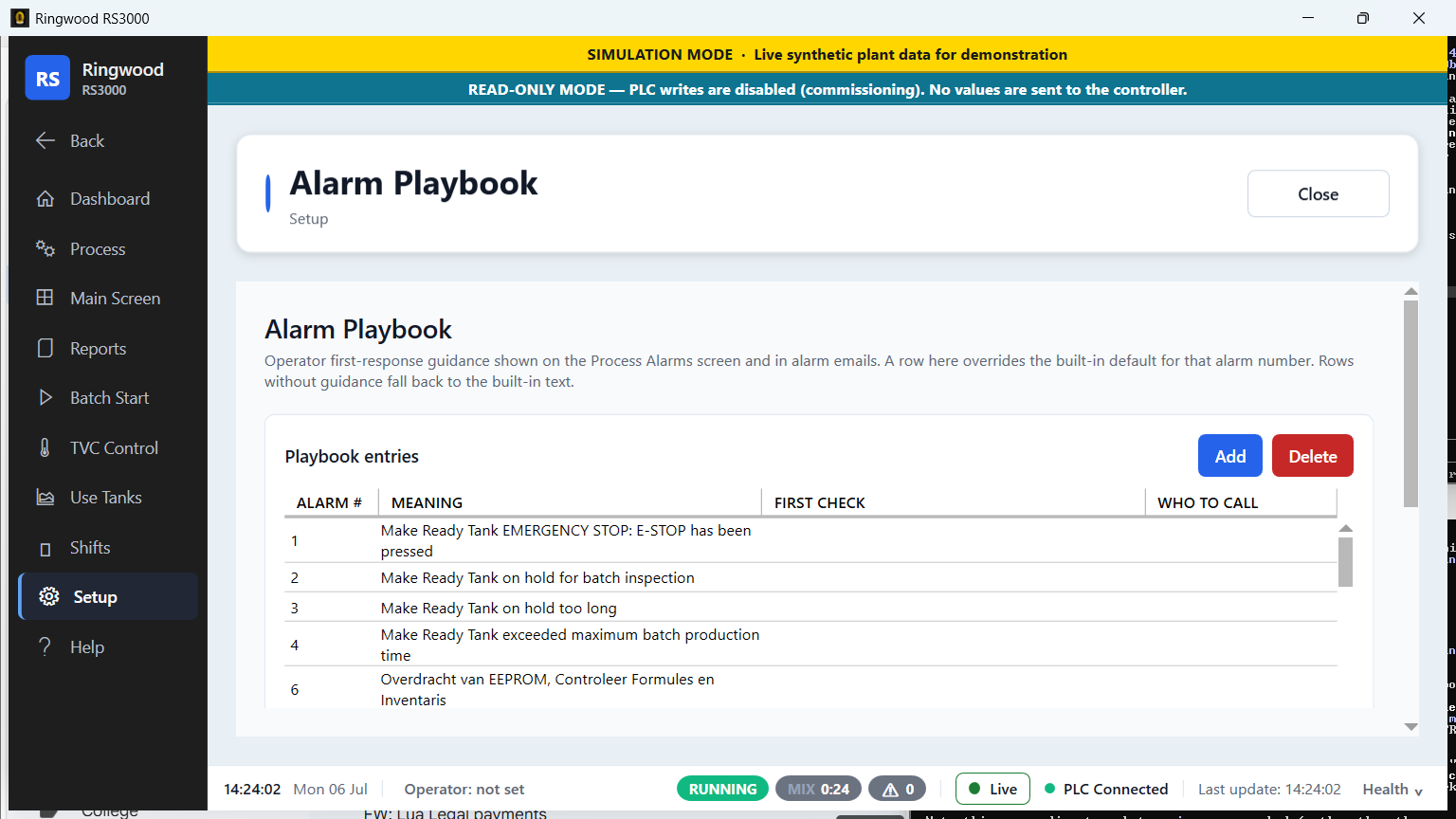
Alarm playbook — Ring RS3000 screen
Alarm playbookFirst-response guidance per alarm — meaning, first check and who to call.
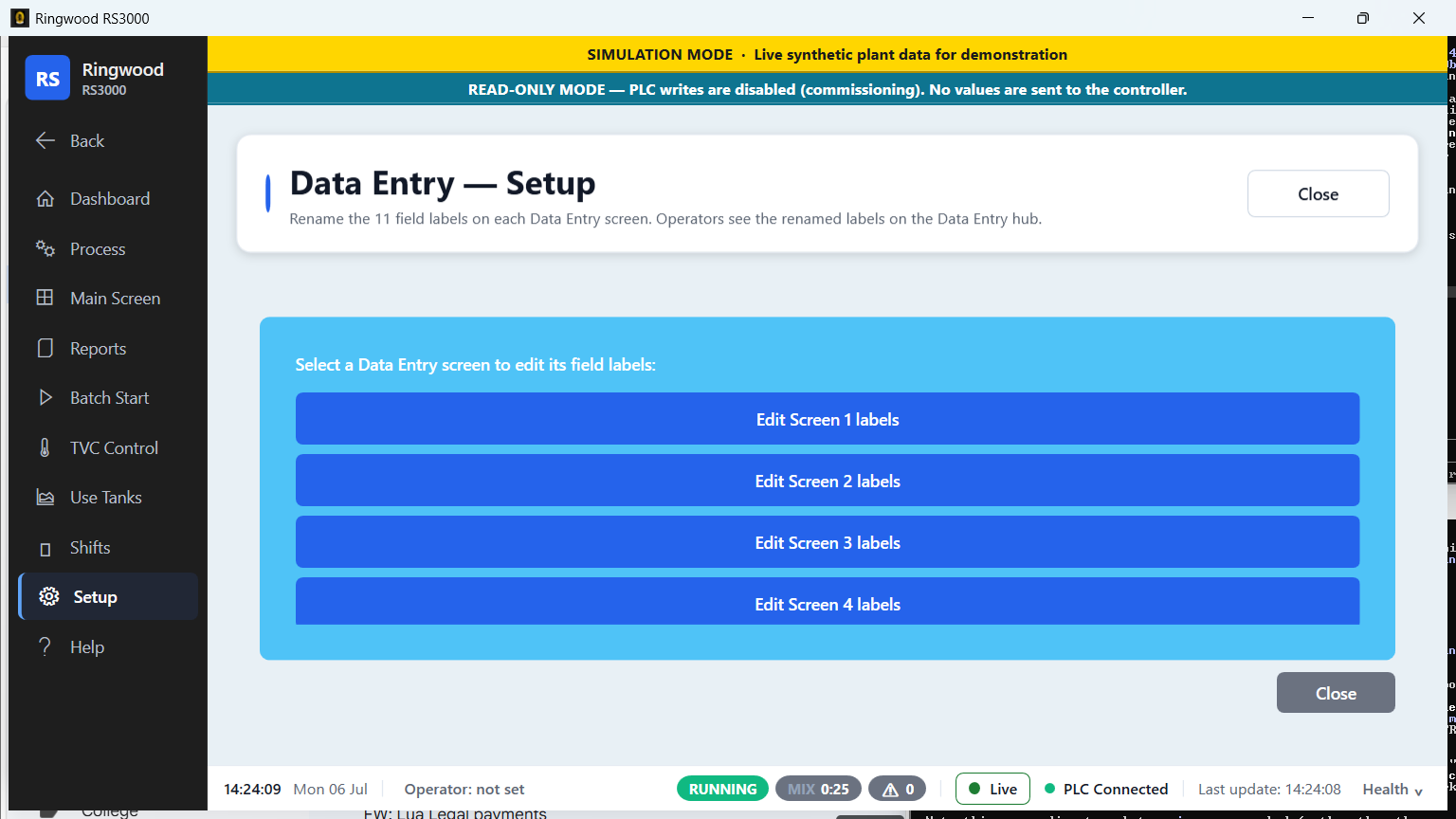
Data-entry setup — Ring RS3000 screen
Data-entry setupCustomise the operator data-entry field labels per screen.
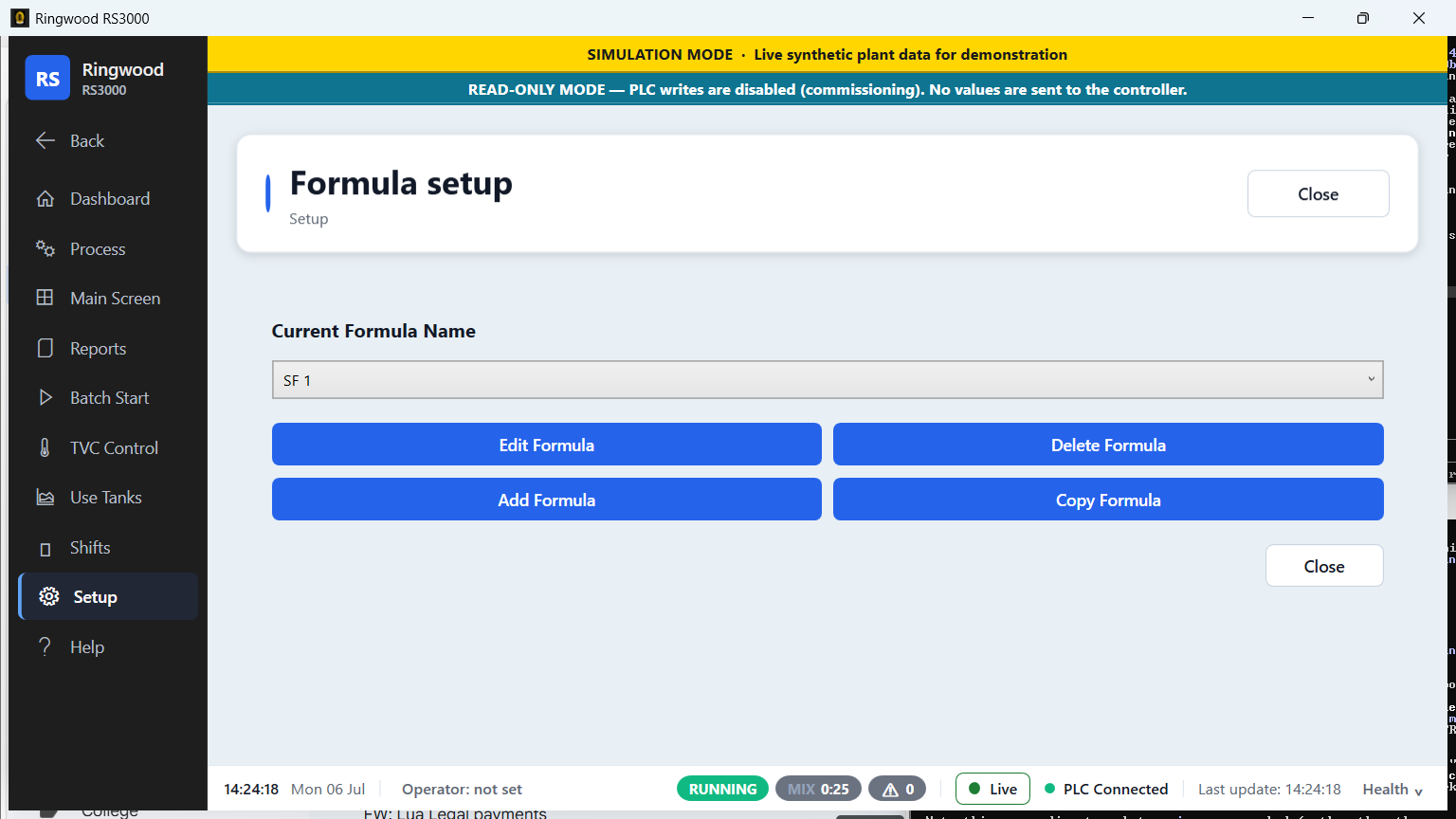
Formula edit — Ring RS3000 screen
Formula editEdit recipe steps, ingredients, amounts and mix times.
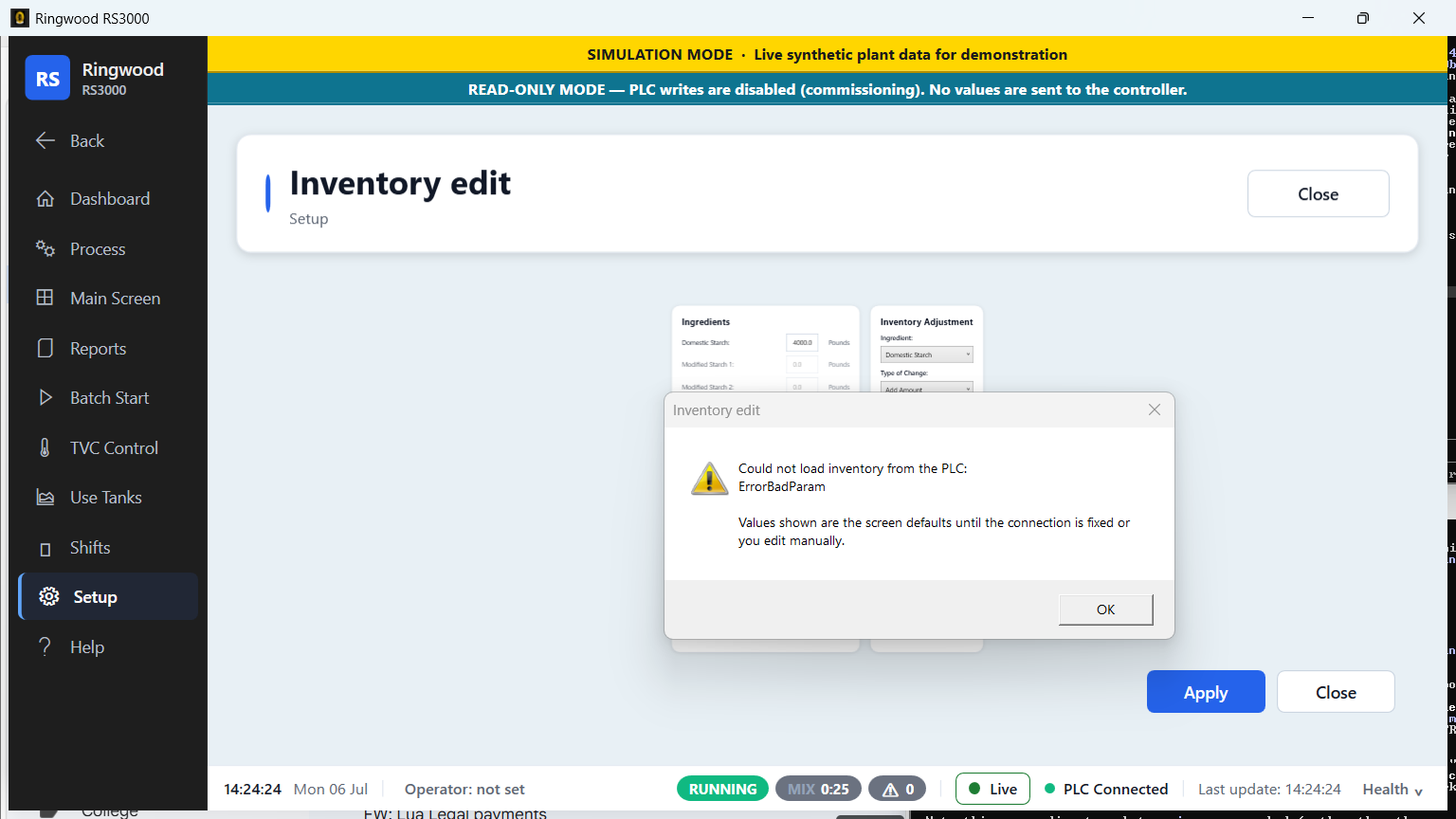
Inventory edit — Ring RS3000 screen
Inventory editMaintain ingredient inventory levels.
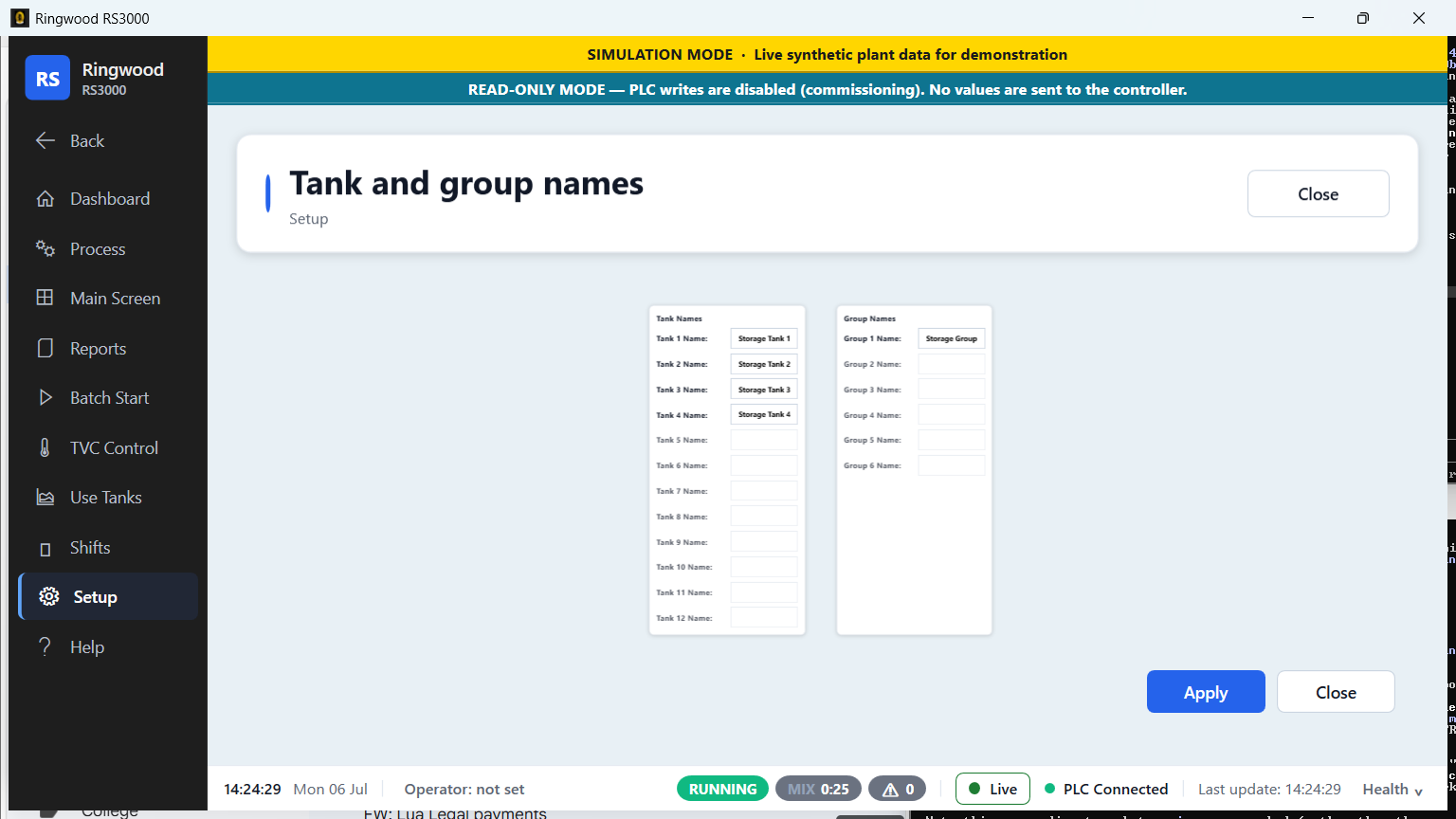
Tank & group names — Ring RS3000 screen
Tank & group namesName every tank and group so operators see plant-specific labels.
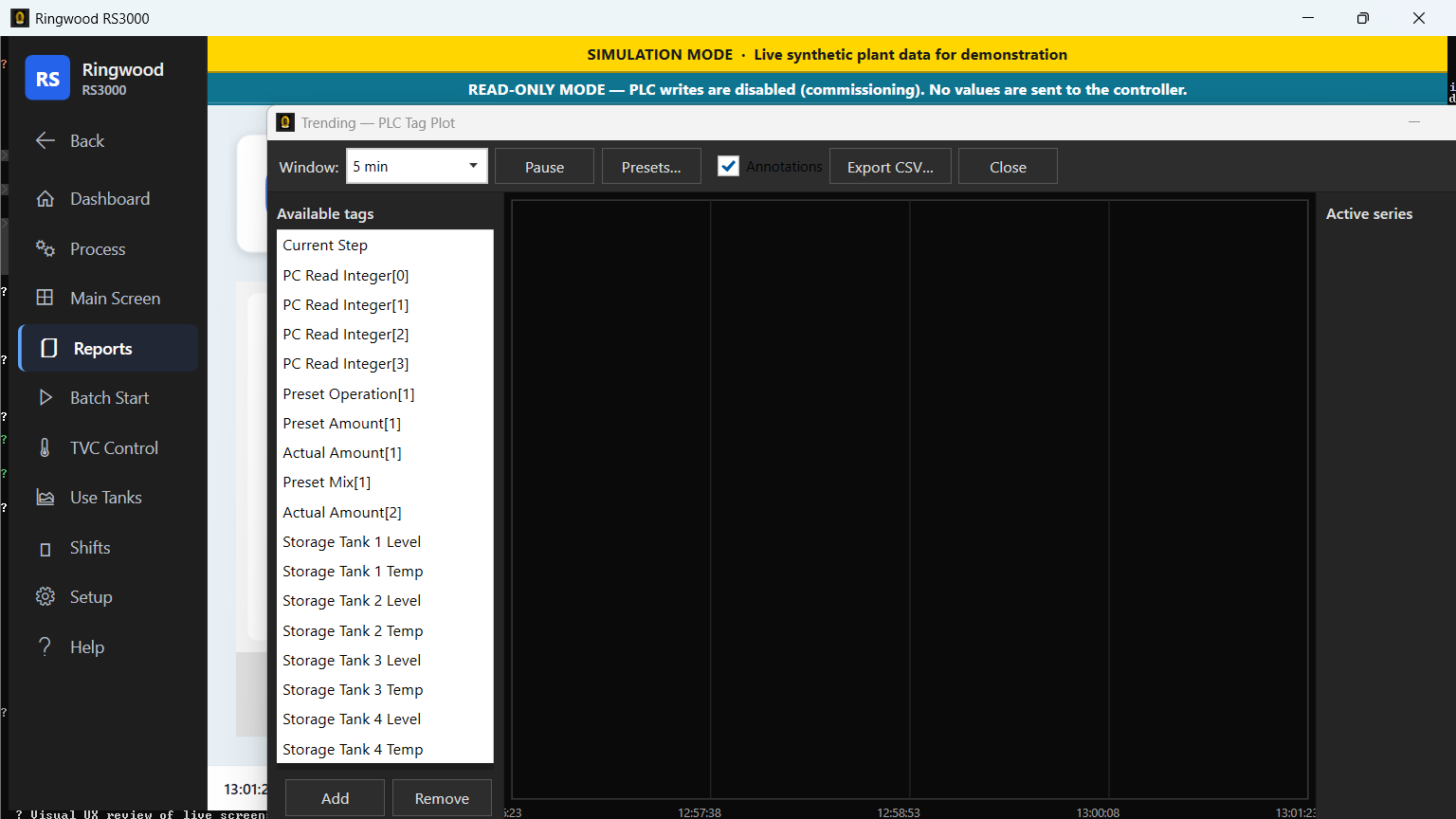
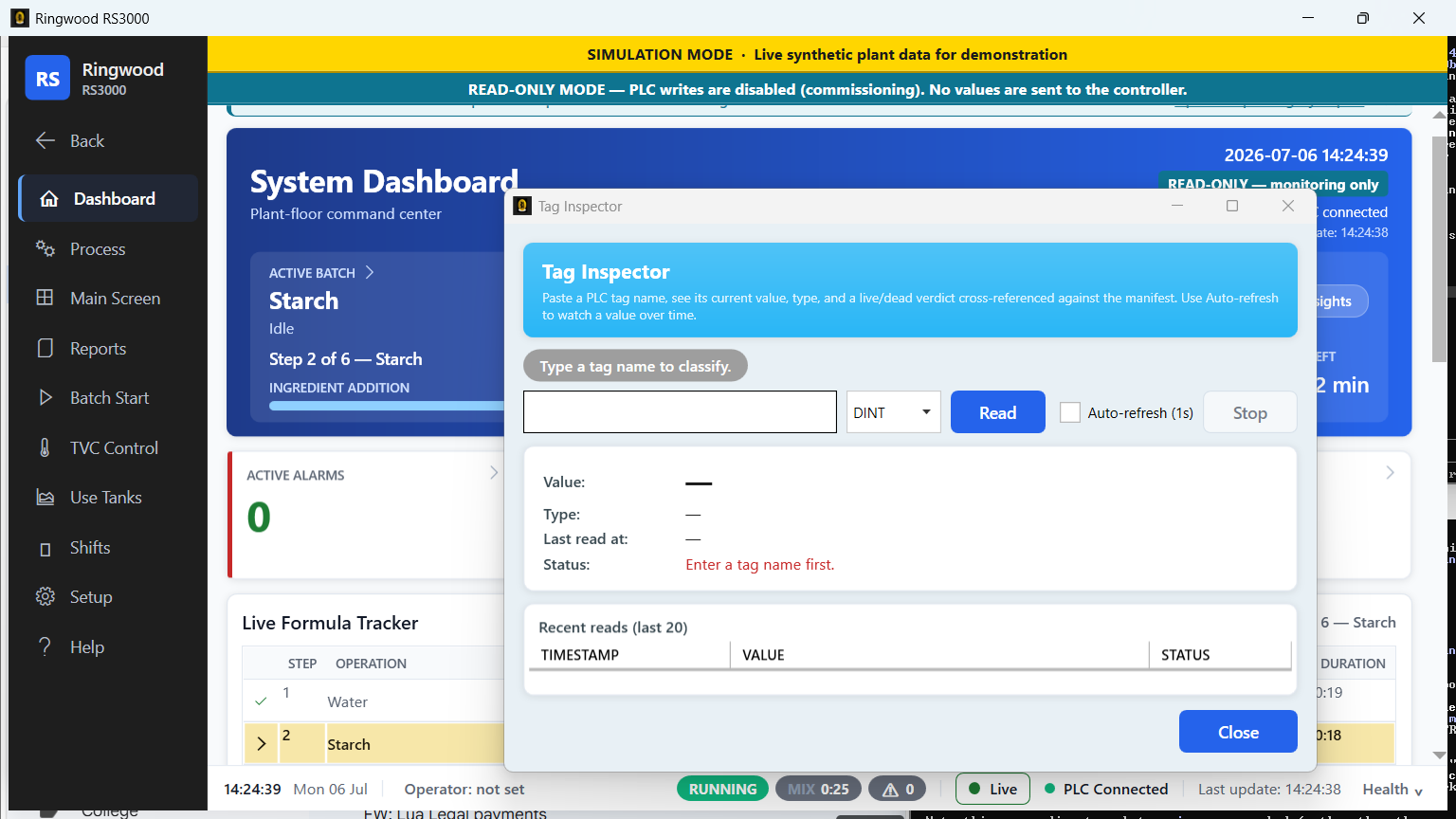
Tag inspector — Ring RS3000 screen
Tag inspectorA supervisor-tier live PLC tag inspector for commissioning and hypercare.
Help & onboarding · 2

Help & onboarding

Built-in help and a manuals library, so operators are never stuck.
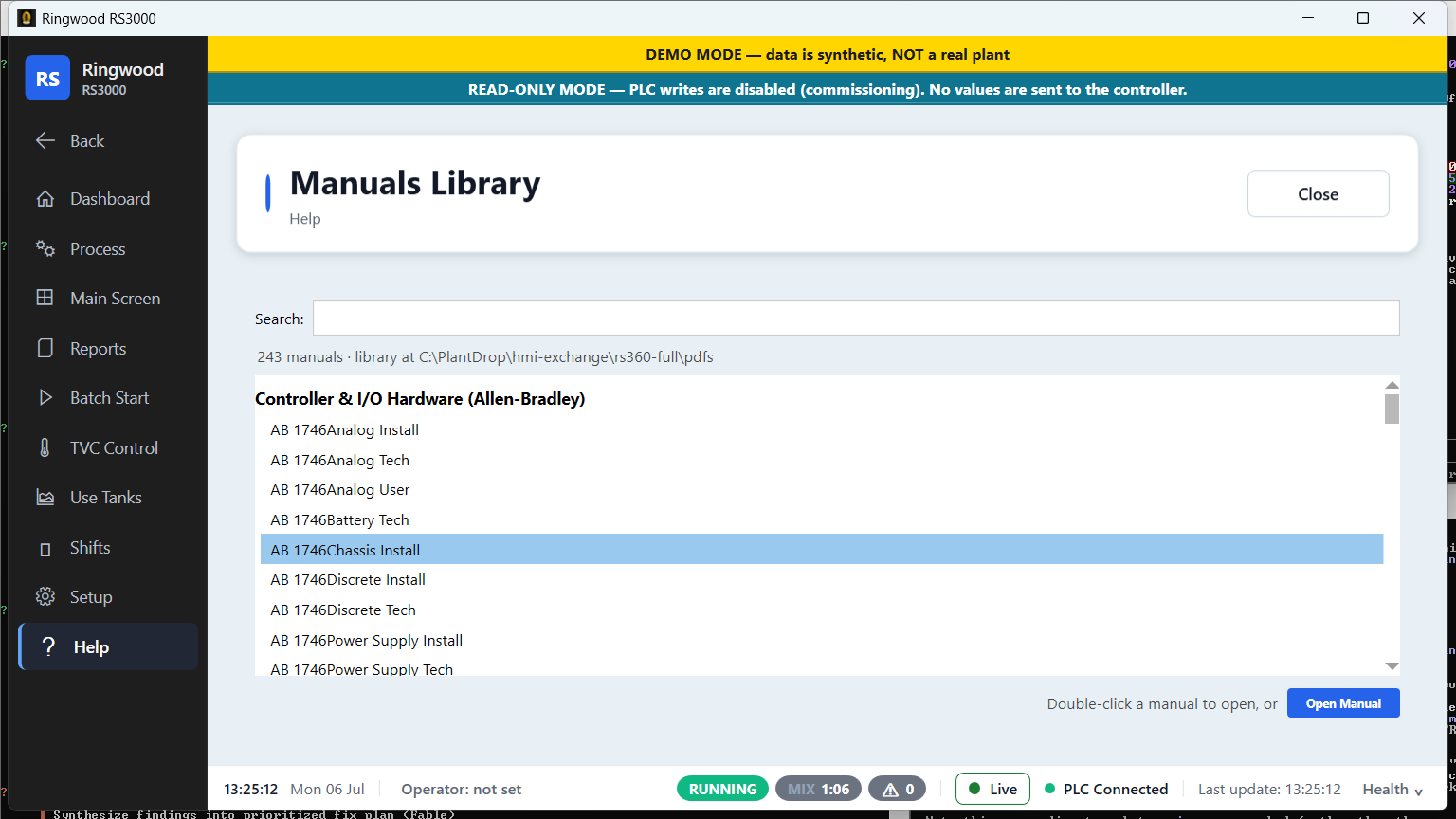
Manuals library — Ring RS3000 screen
Manuals libraryThe RS-APS manual set, on-screen and searchable.
Contact & support — Ring RS3000 screen
Contact & supportOne click to the people who can help.