7. Troubleshooting#
Operator-level triage only — the goal here is knowing what to check, what evidence exists, and who to call. Deeper engineering procedure lives in the linked documents; this chapter does not restate it.
Quick symptom table#
Start here. Find what you're seeing, then jump to the section named.
| What you see | Most likely cause | First action |
|---|---|---|
| Status strip PLC dot is amber or red | Link degraded or down | Check the dot's exact wording, wait 30s for a blip to clear — see PLC connection lost |
| A batch's numbers stopped updating | PLC link down; the batch may still be running fine on the controller | Check the connection indicator before assuming the batch stopped — see 02-running-batches.md §2.5 |
| Ring.exe won't open, or the window flashes and vanishes | Another Ring is already running (most likely), or a crash / broken config file | Look for a "Ring Already Running" / "Ring Is Starting" dialog first — it names the PID — see Ring is already running; only if there is none, check the crash log — see App frozen or crashed |
| Window is open but not responding to clicks | Frozen UI thread or a native fault | Wait briefly, then treat as a crash if it doesn't recover — see App frozen or crashed |
| A red banner appears under the top of the window and stays for the session | Database or tank-roster problem at startup | Read the banner text exactly — it names which of the two it is — see Degraded startup |
| A message box appears before the main window | Broken appsettings.json |
Read it, note the exact text, call IT — see Database warning |
| You need to run the line right now and Ring is unusable | Hard failure meeting a rollback trigger condition | Follow the rollback authority — do not improvise — see Falling back to the legacy application |
| Formula won't load, or list looks wrong | Formula deleted/edited, or not valid for this tank | See Formula won't load below |
| Batch won't start, no clear message | Read-only mode, PLC not connected, tank not eligible, or the start level is out of range | See Batch won't start below |
| A report shows no data you expected | Date/tank filter too narrow, or the batch really isn't there | See A report shows no data below |
| You need to hand an engineer your station's state fast | — | Setup → Diagnostic Console → Copy to Clipboard or Export Bundle — see App frozen or crashed |
Formula won't load#
The formula dropdown on Batch Start is empty, or the formula you expect isn't in it.
- It may simply not be valid for this tank. Batch Start's Formula list only shows formulas tagged as valid for the tank you opened — Storage Tank 1 and Storage Tank 4 can legitimately show different lists. See 02-running-batches.md §Pick the formula. Try the tank you actually meant to batch, or ask a supervisor to check the formula's tank assignment under Setup → Formula Edit.
- It may have been recently deleted or edited. Formula Edit is supervisor-gated — check with the supervisor on shift about recent changes.
- A saved backup may exist. Setup → Formula Exchange can bring a recipe that only lives above formula-bank slot 6 back into a slot the controller can run — see 05-formulas-and-recipes.md §Formula bank exchange with the PLC.
- If none of the above explains it, escalate — Setup → Formula Edit is the source of truth for what a formula actually contains, not the Batch Start dropdown.
Batch won't start#
You clicked Start Batch and got a warning, or the button itself is disabled. Ring checks the following, in this rough order, before it will even try to send anything to the controller:
- Read-only mode is on. The button still "works," but a banner says the batch will be validated and not sent — this is expected before the plant's write-enabled cutover, not a fault. See 01-getting-started.md §Read-only mode.
- The PLC isn't connected. The screen's own banner reads "PLC not connected — batch cannot start." Check the connection indicator — see PLC connection lost below.
- The tank isn't eligible to batch. Start Batch is disabled with its own short red reason when the controller reports this tank as not installed, not a storage tank, or when Ring hasn't yet been able to read that capability from the controller at all. This is a controller-side fact, not something to work around by retyping values — call the supervisor or the controls engineer.
- Batch Start Level is out of range. The field turns red — check the range shown underneath it and adjust.
- Nothing happens at all when you click Start Batch. This is rare. Look for an exception dialog first. If there is none, navigate away and back to reload the screen; if it still does nothing, treat it like App frozen or crashed and escalate.
A report shows no data#
You opened a report and it's blank, or says there's nothing for the selected range.
- Widen the date range. Every report in this chapter that has one filters strictly on it — see 06-reports-and-history.md.
- Widen or clear the tank filter, if the report has one.
- Cross-check with Batch History Report over the same window. If that is also empty, the batches genuinely did not run in that window — the report is not lying to you.
- Restart Ring if a batch you definitely saw run (for example, on Storage Tank Group) is still missing from a report afterward — this points at a UI refresh glitch rather than missing data, and a restart normally clears it. If it is still missing after a restart, escalate.
PLC connection lost#
Check the connection indicator (see 01-getting-started.md) for exactly which state you're in: power, cabling, and recent network changes are the first things to check; wait 30 seconds for a blip to clear, then call IT/the PLC engineer if it stays down past five minutes — see Help → Operator Runbook §14.1 (opens in the app) for the full checklist. Screens keep working on the last good reading; no PLC writes can land while the link is down. See also 02-running-batches.md §2.5 for what this means for a batch already in progress.
Ring is already running#
Ring is single-instance: a second launch never opens a second copy. This is not a rare edge case — the kiosk installer's auto-restart watchdog relaunches Ring roughly every minute after a crash specifically because "redundant launches are safe, Ring is single-instance," so this path gets exercised constantly on an unattended LCP. A healthy existing Ring is simply brought to the front and the new launch exits silently; anything less healthy shows one of three auto-dismissing dialogs (they close themselves after 60 seconds if nobody is there to click, so an unattended reboot never parks forever):
| Dialog title | Meaning | What to do |
|---|---|---|
| Ring Is Starting | The running Ring is still booting (database integrity check + backup can take a while) — this is healthy, not stuck. | Wait for the Ring window to appear — do NOT end it, or the database backup will be left half-written. |
| Ring Already Running | A healthy Ring has no window on screen yet, or was already brought to the front. | Give it a moment. If no window appears, end that Ring.exe in Task Manager and relaunch. |
| Ring Not Responding | The other Ring's window has been unresponsive for a sustained period (roughly ten seconds across two checks, not just one busy moment). | If it doesn't recover on its own, end that Ring.exe in Task Manager and relaunch. |
Each dialog names the other instance's PID, which is worth reading off before you end anything. If Ring vanished after a crash, the auto-restart watchdog (where installed) relaunches it within about a minute on its own — give it that long before assuming you need to intervene.
App frozen or crashed#
A crash (Ring.exe closes unexpectedly) leaves a forensic record automatically: a plain-text file named
crash-<UTC-timestamp>-<short-guid>.logunderlogs\crashes\next toRing.exe, containing the exception, a stack trace, and basic environment info. This happens without you doing anything.A frozen window (not responding) may not leave a managed crash log at all — a native fault can make the process simply vanish. If this station's kiosk install included the WER (Windows Error Reporting) step (
Install-RingWerDumps.ps1, part of the standard kiosk install perCUTOVER_RUNBOOK.md§8), a native fault such as aplctag.dllcrash leaves a minidump underC:\Ring\logs\dumpsinstead; if that folder is empty too, Event Viewer is the next place to look. Full detail:docs/production-readiness/11_CRASH_DUMP_RUNBOOK.md(source: in the Ring repository).Setup → Diagnostic Console is the fastest way to hand an engineer a useful snapshot. Check its Health tab first — 16 live rows (PLC endpoint, connection state, heartbeat age, data freshness, database path/size/journal mode, uptime, validator warnings, and more) that often answer the question on their own; Copy diagnostics text puts that panel on the clipboard in one click. If you need more, Refresh, then either Copy to Clipboard (the fuller report, to paste into a support chat/ email) or Collect support bundle — no Save dialog to answer, it writes straight to the Desktop as
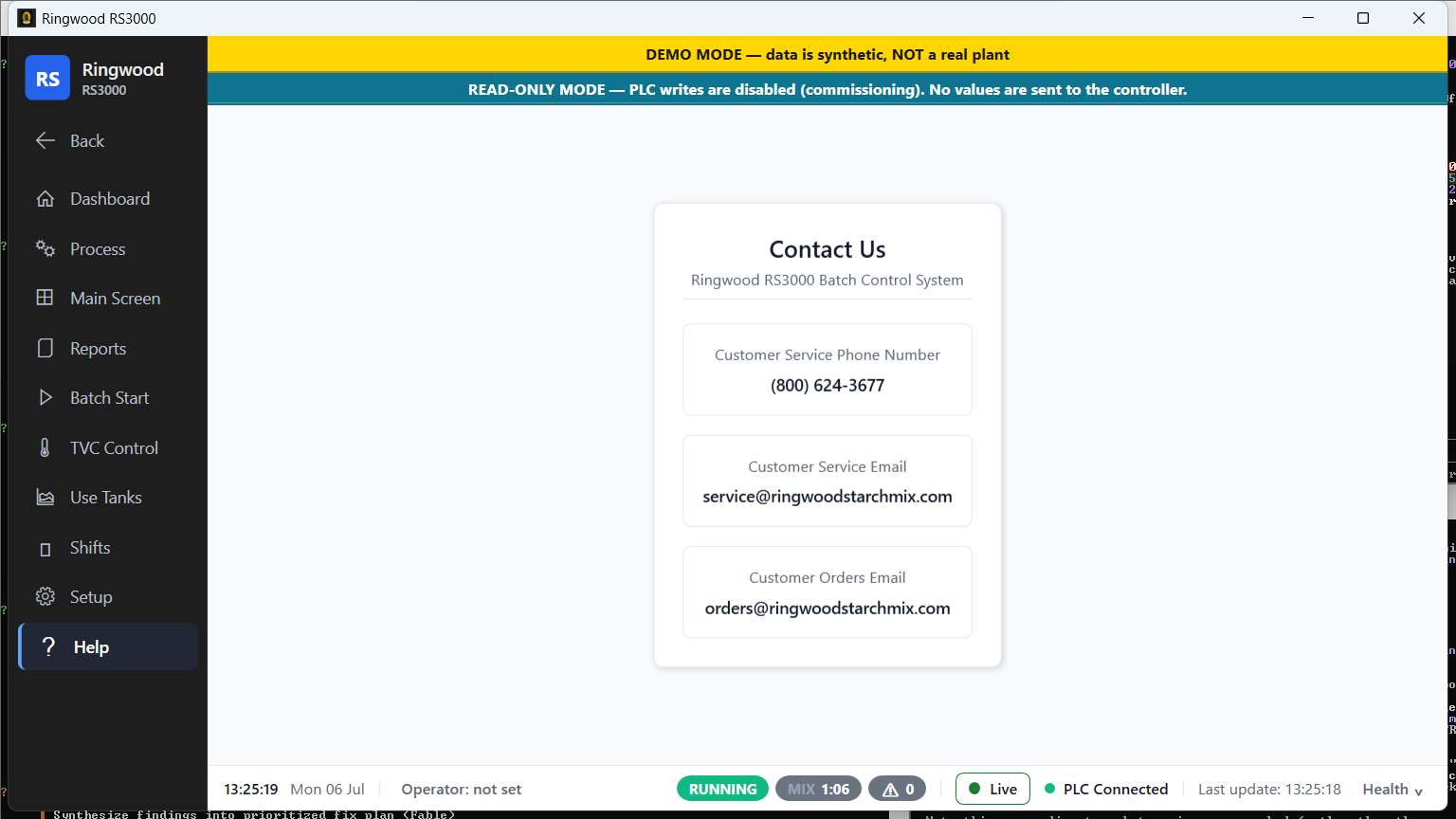
RingSupportBundle-<computername>-<timestamp>.zipand the confirmation message names the exact path. The bundle includes the application log, recent crash logs and dumps, a sanitized configuration copy, a fresh validator report, and recent PLC communication history — built specifically to attach to a support ticket.Who to call: Help → Contact Us has the phone number and service/ orders email addresses kept current for this plant.
Help → Contact Us — the numbers to call, kept current per plant. During the post-cutover hypercare window specifically, page per Help → Operator Runbook §15 (opens in the app) — a plant is down / Ring won't open at all is a page-immediately (P0) situation.
Degraded startup#
If Ring starts but something was wrong during boot, a red banner appears at the top of the window (below the read-only banner, if that is also showing) and stays up for the whole session — it only clears on a restart once the underlying problem is fixed. Two conditions can trigger it, and the banner names whichever applies (both can show together):
"DATABASE PROBLEM AT STARTUP — batch history, the audit trail and alarm history may not be recorded. PLC writes are switched OFF for this session. Restart Ring after the database is repaired."
"TANK ROSTER COULD NOT BE READ — the default 4-tank layout is in use, so the tank cards may be showing the WRONG tanks. Check Setup > Tank Roster."
Treat either as a call-IT situation, not a click-through — the database banner in particular means PLC writes are force-disabled for the rest of the session regardless of any other setting.
Database warning#
If Ring's configuration file itself is broken, you'll see this before the main window even appears — a message box titled "Startup Configuration Error" (fatal — Ring will not start; note the exact text and call IT) or "Startup Configuration Warning" (non-fatal, with a 60-second auto-continue countdown if nobody is present to click through it). See 01-getting-started.md for the full table. The degraded-startup database banner above is a different, later-stage warning — it means the app started but the local SQLite database itself failed to initialize.
Falling back to the legacy application#
Ring's product name is RS3000 (the window title reads "Ringwood
RS3000"); the application it replaces is the legacy ~RS360 app. If a
hard failure calls for reverting to ~RS360 for the shift, the
authoritative one-page operator procedure is docs/production-readiness/ 13_RS3000_ROLLBACK.md (source: in the Ring repository) — this manual does
not restate its steps. In short: it is a 10-minute,
engineer-driven checklist for specific trigger conditions (Ring won't
start, PLC heartbeat red for more than 5 minutes after the main window
appears, a blocked Process/Main Screen, unexpected new alarms, or an
operator/supervisor declaring an unsafe state); anything short of those
triggers is a hotfix situation, not a rollback. CUTOVER_RUNBOOK.md §4
owns the underlying mechanism that document points into.
Log file locations#
Verified, code-backed locations only:
| What | Where |
|---|---|
| Crash logs | <exe-dir>\logs\crashes\crash-<UTC-timestamp>-<short-guid>.log |
| Native crash dumps (only if the kiosk installer's WER step was run) | C:\Ring\logs\dumps — a minidump left by a native fault such as plctag.dll, for when no managed crash log exists at all |
| PLC communication log — per-day CSV (opt-in, via Setup → Communication Disk Logging) | %ProgramData%\Ring\logs\plc-comm-YYYY-MM-DD.csv — the same folder as the application log, not next to Ring.exe |
| PLC communication log — database table (always on) | Inside RingwoodDatabase.db; queryable/exportable via Setup → Database Export → PLC Communication Log. Engineering can audit comms history (link up/down, reprobes, write outcomes) from this table without waiting for a support bundle — see 06-reports-and-history.md §Exporting data |
| Support bundle (on demand, via Diagnostic Console → Collect support bundle) | Always your Desktop, as RingSupportBundle-<computername>-<timestamp>.zip — the confirmation message names the exact path |
Sources verified#
Ring/Views/Help/ContactUs.xamlRing/Services/CrashLogger.csRing/Services/PLC/PlcCommunicationLogService.cs(:74,%ProgramData%\Ring\logs\CSV directory)Ring/Services/PLC/PlcCommEventLogService.cs(SQLPlcCommunicationLogaudit table — distinct from the CSV service above)Ring/Services/DiagnosticBundleService.cs(Support Bundle 2.0 contents)Ring/Views/Setup/DiagnosticConsole.xaml,.xaml.cs(Health tab,Collect support bundle,Copy diagnostics text)Ring/Services/Export/DatabaseExportSchema.cs(PlcCommunicationLogexport entry)Ring/Views/MainWindow.xaml.cs(RefreshStartupDegradedBanner)Ring/Views/App.xaml.cs(ConfigurationValidatormessage boxes;:21SingleInstanceMutexName,:90-159single-instance verdict classification +StartupWarningDialog60s timeout +Shutdown(exitCode))Ring/Services/SecondLaunchAdvice.cs(Classify,BuildTitle,BuildMessage,MayAdviseEndingProcess— the three dialog titles/messages, PID text, "do NOT end it" wording)Ring/Views/BatchStart/StorageTank1.xaml.cs(RefreshBatchStateBanner,RefreshBatchStartEligibility)Ring/Views/BatchStart/BatchStartEligibility.cs(BatchStartTankEligibility,MustRefuse)Ring/Services/PLC/FormulaBankWriteInterlock.cs(referenced for context — formula-load causes)docs/production-readiness/11_CRASH_DUMP_RUNBOOK.md(referenced, not link-quoted)docs/production-readiness/13_RS3000_ROLLBACK.md(referenced, not link-quoted)CUTOVER_RUNBOOK.md§8 (Install-RingAutoRestart.ps1repeat-every-1-minute trigger, "Redundant launches are safe";Install-RingWerDumps.ps1→C:\Ring\logs\dumps)README.md(repo root, product naming)OPERATOR_TRAINING_RUNBOOK.md§14.1, §14.2, §14.3, §14.4, §15 (cross-checked, not link-quoted — see Help → Operator Runbook for how to open it in the app)